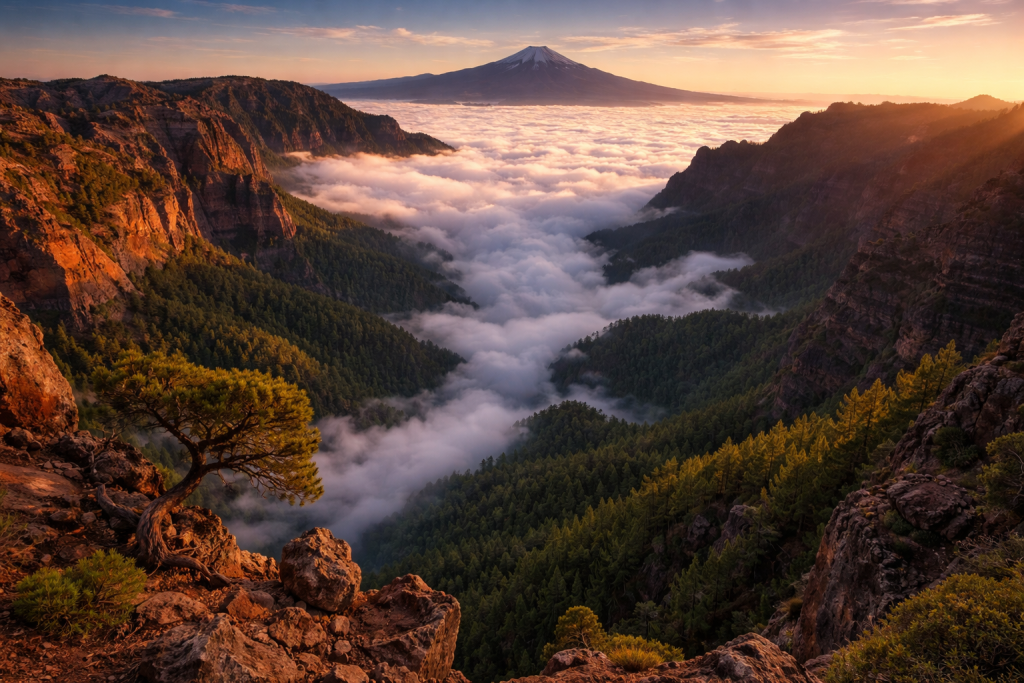
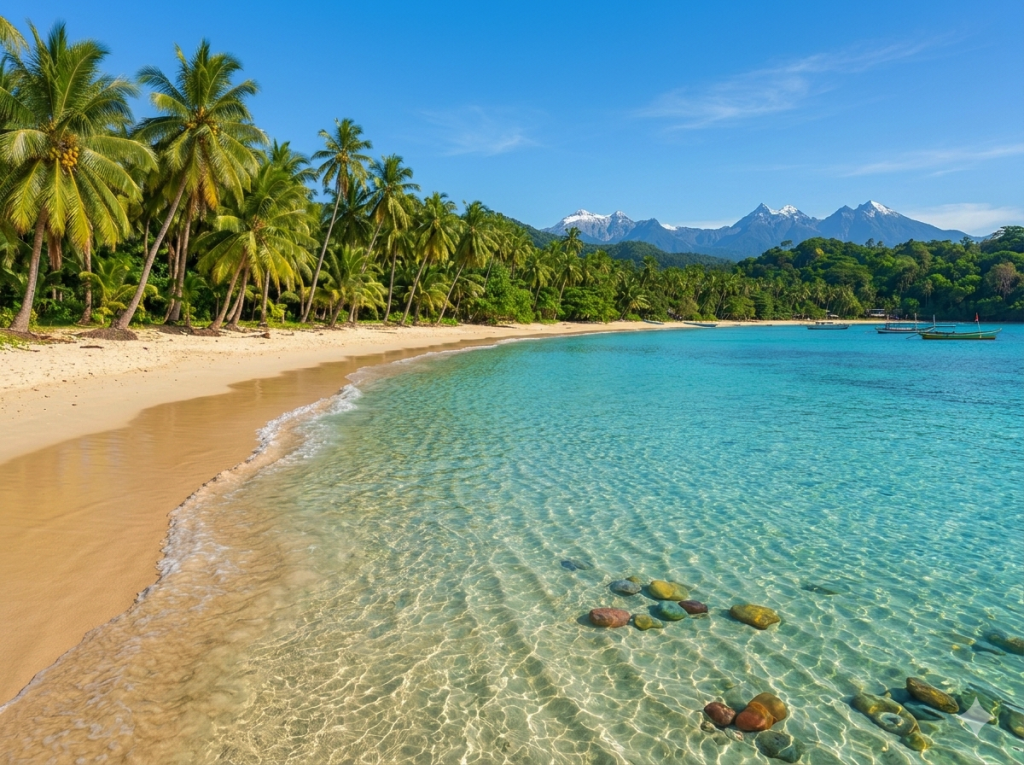
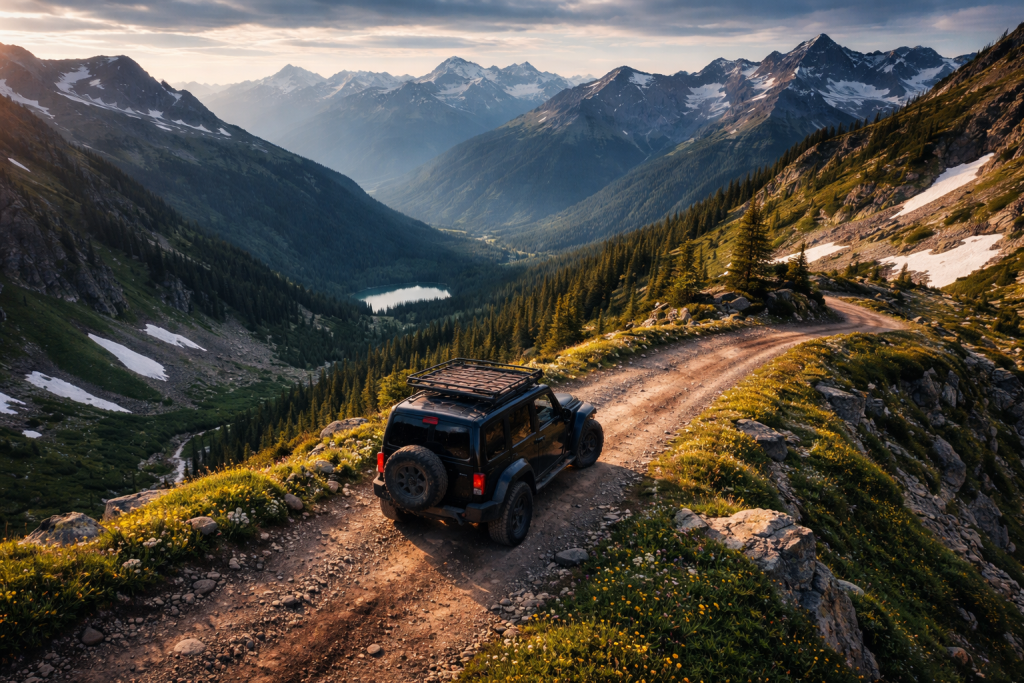
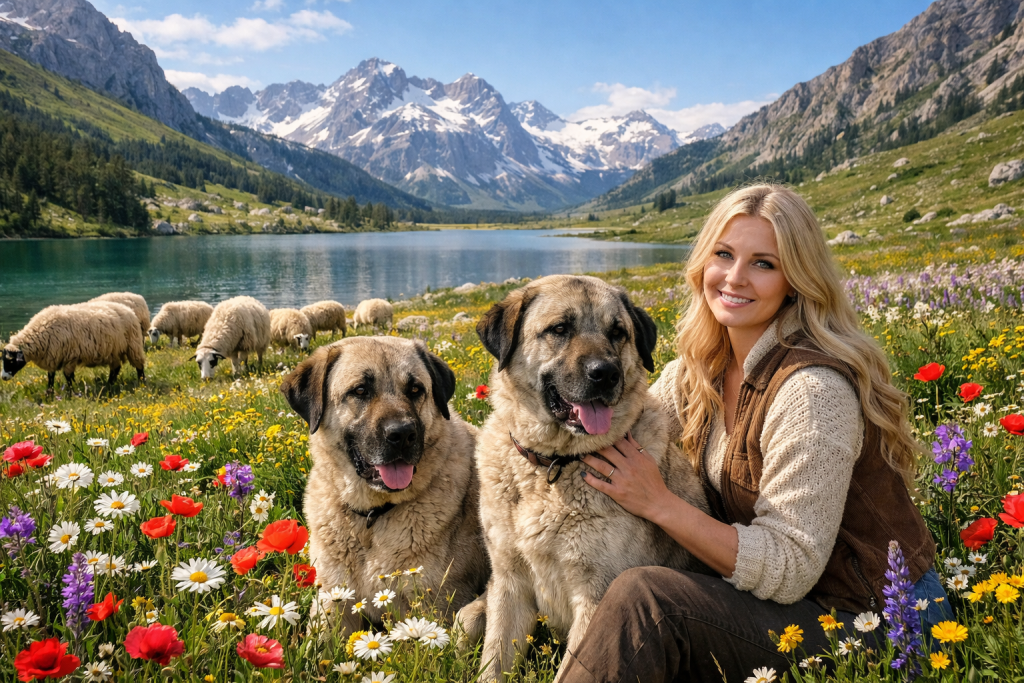
Travel photography demands organization, speed, and versatility. You shoot thousands of images across multiple locations, manage diverse subjects from landscapes to street portraits, extract text from signs and documents, and deliver content on tight deadlines. PractiPix was built to handle exactly this kind of location-based, multi-subject workflow—without forcing you into a subscription ecosystem or slowing you down with clunky tools.
Trip Organization & GPS
Keep your travels organized by location and date: • Map & Timeline Browser — Scan a folder once, then pivot between GPS map view and date timeline. See your entire journey at a glance. • GPS Location Search — Find all images within a radius of any GPS coordinate. Perfect for finding all shots from a specific landmark or city. • Distance-Based Clustering — Automatically group shots by shooting location on native Apple Maps (macOS) or fallback map. • Smart Folders — Save complex searches (date range + location + rank) as persistent virtual folders for each trip. • Trip Folder Templates — Auto-generate organized folder structures for expeditions and multi-country tours.
In the Field Flexibility
Shoot smarter while traveling: • Mobile Tethered Shooting — Connect your Sony camera over Wi-Fi for live view on your phone. Adjust settings remotely without touching the camera. • Phone Import over Wi-Fi — Transfer shots from camera to phone or tablet wirelessly for quick review without a laptop. • Desktop ↔ Mobile Sync — Push images from desktop to mobile for editing on the go; pull rankings and tags back later. • RAW + JPEG — Multi-file captures grouped automatically for streamlined workflow.
AI-Powered Culling & Selection
After a day of shooting, find the best frames fast: • AI Auto-Cull — Analyze bursts for sharpness, exposure, and composition. Let AI pick winners from street photography sequences automatically. • Image Culling — Pick (P) / Reject (X) / Unreviewed (U) keyboard workflow for triaging thousands of images quickly. • Survey Mode — Manual burst comparison and best-frame review for critical shots. • 1–5 Star Ranking — Click-to-rank rail on thumbnails for fast rating during review. • Face Detection & People Search (macOS) — Group images by detected faces. Find all shots of a specific person across your trip.
OCR & Text Extraction for Travel
Extract text from signs, menus, and documents: • Apple Vision OCR (macOS) — Native high-quality text recognition from travel photos. • Tesseract OCR (Windows/Linux) — Cross-platform text extraction for all travelers. • Multi-Language Support — Extract text in multiple languages for international travel documentation. • Export Formats — Plain text, Microsoft Word (.docx), or searchable PDF for travel notes and blogs. • PDF Text Extraction — Embedded text extraction with OCR fallback for travel documents.
No gallery images found.
Batch Processing for Efficiency
Process hundreds of travel shots in minutes: • Batch Preset Apply — Apply a saved editing recipe (exposure, color, LUT) across an entire trip in one click. • Batch Resize — Prepare multiple sizes for web, social media, and print in one pass. • Batch Watermark — Apply your logo or copyright across all travel deliverables automatically. • Batch LUT Apply — Consistent color grading across the entire journey with .cube LUT files. • Batch Rename — Pattern-based renaming for organized delivery (e.g., Country_City_001.jpg). • Batch AI Tagging — Auto-tag travel photos for easy searchability and client proofing.
Editing for Travel Photography
PractiPix gives you precise control for any travel scenario: • Dehaze — Cut through atmospheric haze in city skylines and mountain vistas. • Shadows & Highlights Recovery — Pull detail from dark alleys and bright skies. • White Balance — Fine-tune temperature and tint for any lighting condition worldwide. • Tone Curve — Full control over tonal mapping with Luminosity, Red, Green, and Blue spline curves. • Local Masking — Brush, linear gradient, and radial masks for targeted edits. • Denoise — Luminance and color noise reduction for high-ISO low-light travel shots. • Straighten Tool / Auto Upright — Correct tilted architecture and horizon lines instantly. • Lens Corrections — Auto-detect lens from EXIF for distortion, vignette, and chromatic aberration correction.
Sharing & Delivery
Share your travel stories effortlessly: • Batch Compress for Web — Optimize travel portfolios for website and blog upload. • Watermark — Protect published images with logo overlays. • Collection Export — Package selections as ZIP or PDF contact sheet for client delivery or personal archives. • XMP Sidecar Export — Adobe Lightroom/Camera Raw compatible for round-trip workflows.
One Purchase, No Subscription
Unlike Adobe’s monthly model, PractiPix offers perpetual licenses with clear tier benefits:
•Trial— Test core features including GPS organization, OCR, and basic editing.
•Pro— Unlock batch operations, advanced export options, and extended library limits.
•Premium— Access AI features (Auto-Cull, OCR batch processing), full mobile sync, and unlimited projects.
Recommended Travel Photography Workflow
• Shoot in the field with mobile tethering for remote review. • Import via Wi-Fi or USB to your trip folder structure. • Use Map & Timeline Browser to review by location and date. • Extract text from signs, menus, and documents with OCR for travel notes. • Triage with keyboard culling (P/X/U) and star ranking. • Run AI Auto-Cull on burst sequences to find the sharpest frames. • Batch preset apply your travel look across the entire trip. • Export via batch compress for web or blog delivery.
The Bottom Line
PractiPix gives travel photographers a fast, flexible, and future-proof workflow—from field capture to final delivery. It respects your time with GPS-based trip organization and AI-assisted culling, your craft with powerful editing tools for any lighting condition, and your storytelling with OCR text extraction for travel documentation. Whether you’re a solo traveler documenting adventures or a professional travel journalist on assignment, PractiPix scales to meet your needs without locking you into a subscription ecosystem. Read more >>
PractiPix
PractiPix Assistant
Answers prioritize the published help documents.
PractiPix Assistant
Answers prioritize the published help documents.
Connect with our team
Share your details and what you still need help with.
Privacy settings
We use essential storage to keep the site working, plus optional analytics and marketing storage only if you allow it.