
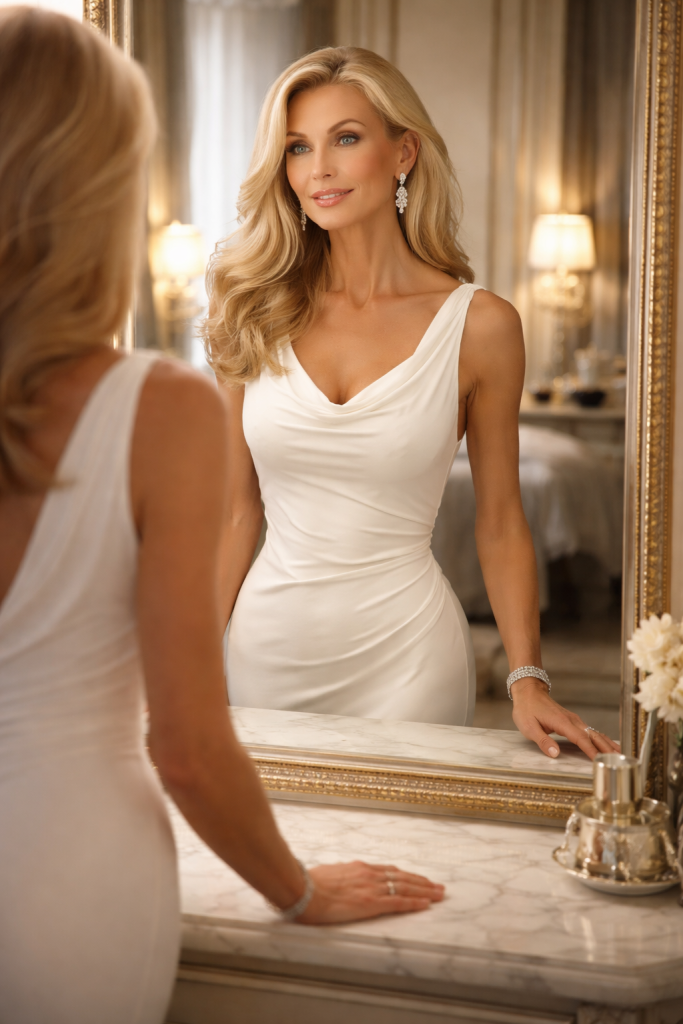
Tethered Shooting for Fashion
Studio and location efficiency starts with seamless capture:• Desktop Tethering (USB) — Auto-detect your camera and shoot with fullscreen live view. Trigger the shutter from PractiPix and capture directly to your session folder.
• Desktop Tethering (Wi-Fi) — Manual IP/model configuration for PTP/IP cameras. Full Sony Camera Remote API support for Sony Wi-Fi cameras.
• Live View — Real-time camera preview in fullscreen. Judge posing, lighting, and styling without leaving the computer.
• Remote Shutter — Trigger capture from PractiPix. Ideal for solo shoots and remote setups.
• Mobile Tethering — Use an iPad or phone as a wireless monitor with live view for client and stylist viewing during shoots.
• RAW + JPEG — Multi-file captures grouped automatically for streamlined workflow.
Portrait & Beauty Retouch (macOS, Premium)
Professional skin retouching without leaving PractiPix:• AI Retouch Category — Portrait Retouch lives in its own top-level category in Workspace, Inspector, and Floating Panels.
• Detect People + Face Frame — Finds faces in the current image, creates per-face entries, and shows draggable/resizable on-canvas face frames.
• Per-Face Enable State — Retouch only the models you want; uncheck any detected face to exclude it.
• Skin Smoothing — Identity-preserving texture softening driven by the People mask plus face landmarks.
• Detail Preservation — Advanced frequency-separation control that decides how much real pore and skin detail stays visible.
• Under-Eye Softening — Landmark-derived under-eye lift and smoothing for tired-eye cleanup.
• Eye / Teeth Brighten — Local brighten and tone cleanup inside eye and mouth submasks.
• Lip Color & Saturation — Fine-tune lip color and saturation for beauty shots.
• Iris Color — Enhance eye color for portrait impact.
• Body Skin Controls — Extend smoothing and texture controls to non-face skin regions for full-body fashion shots.
• Healing Brush — Separate tap-to-heal blemish cleanup in the Healing category.
Color Grading for Fashion
Signature looks for editorial and campaign work:• Tone Curve — Full control over tonal mapping with Luminosity, Red, Green, and Blue spline curves.
• Per-Channel Tone Curve — Shape individual RGB channels to refine skin tones and fabric color casts.
• Color Equalizer — Fine-tune skin tones and clothing colors per channel without affecting overall balance.
• LUT Application — Apply signature color grades with .cube LUT files. Export LUT from current adjustments for team consistency.
• White Balance — Precise temperature and tint adjustment for accurate color reproduction under any lighting.
• Regional Exposure — Intelligent IDW-based regional exposure targeting for controlled lighting effects.
Batch Processing for Collections
Process entire fashion shoots efficiently:• Batch Preset Apply — Apply your fashion look (exposure, color, LUT) across an entire collection in one click.
• Batch Resize — Prepare multiple sizes for editorial, web, social media, and print simultaneously.
• Batch Watermark — Apply photographer or agency branding across all deliverables automatically.
• Batch Rename — Pattern-based naming for look organization (e.g.,
Collection_Look_001.jpg).• Batch Compress for Web — Optimize images for online portfolios and editorial submission.
• Batch AI Tagging — Auto-tag with collection name, designer, model, and style descriptors for searchability.
Collection & Look Management
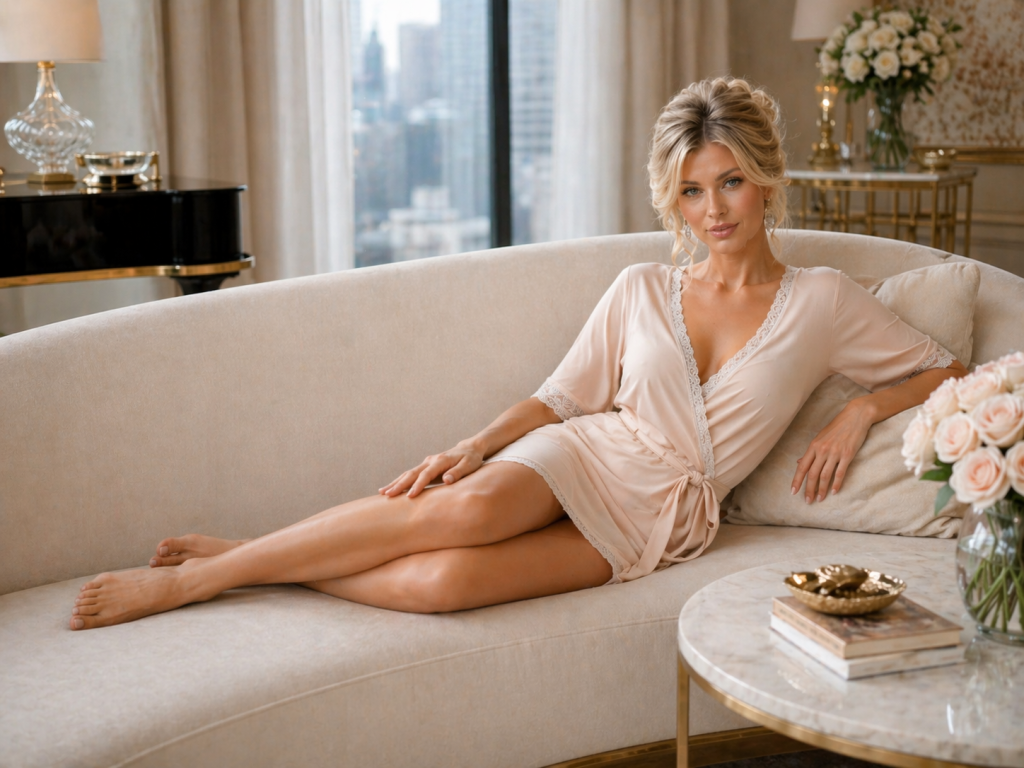
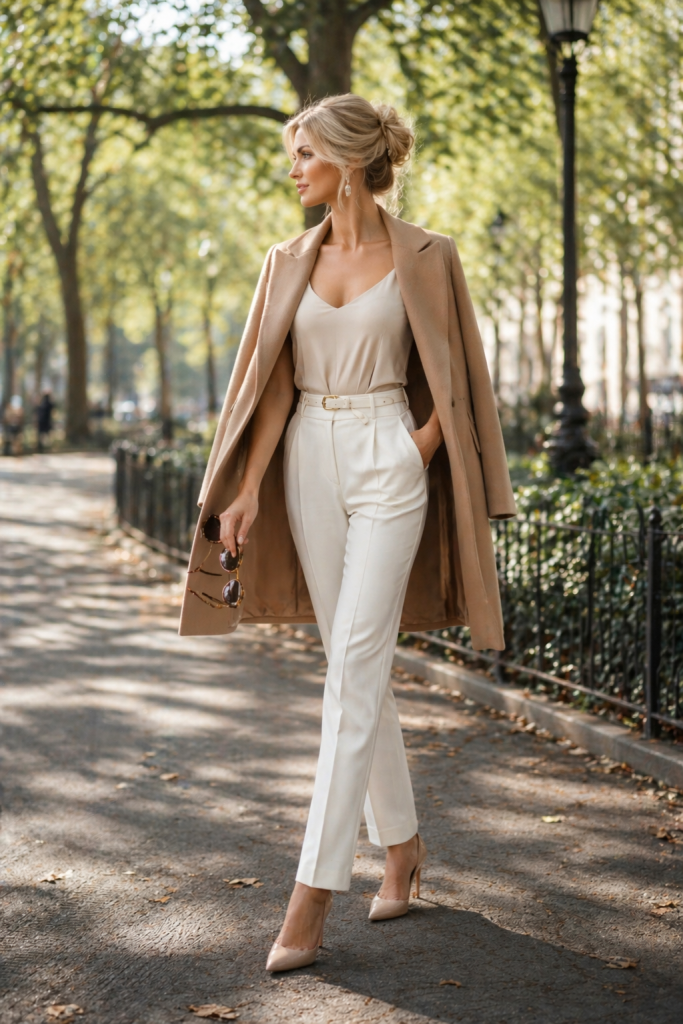
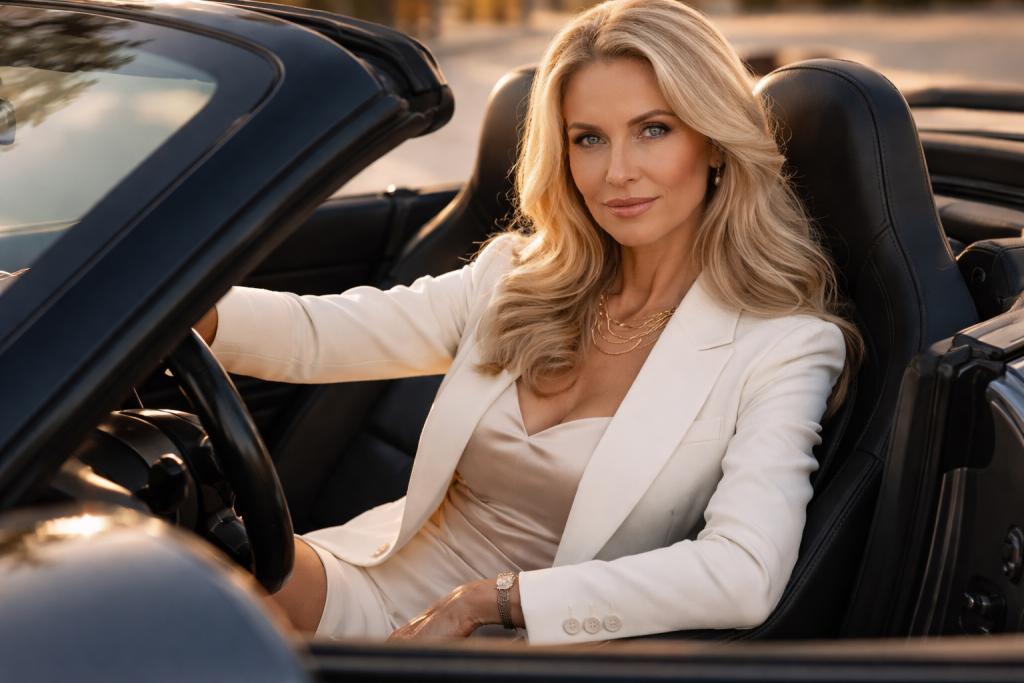
Organize by collection, model, and look:• Manual Collections — Create sets by collection, model, or client: "Spring 2024", "Model A Selects", "Campaign Final".
• Color Labels — Red/Yellow/Green/Blue for status tracking (pending review, approved, needs retouch, published).
• Smart Folders — Save searches like "All 5-star beauty shots" or "Pending client review" as persistent virtual folders.
• 1–5 Star Ranking — Quick-rank from thumbnails for client tier selection.
• Notes — Attach reminders to images ("retouch skin", "color check with designer", "use for campaign hero").
Client Delivery & Proofing
Professional handoff for fashion clients:• Collection Export → ZIP — Compressed delivery packages for each collection or look.
• Collection Export → Folder — Organized folder structure with manifest for client handoff.
• Collection Export → PDF Contact Sheet — Client proofing sheets for selection meetings with designers and editors.
• XMP Sidecar Export — Send edits to clients using Lightroom/Camera Raw for round-trip compatibility.
• Secure Delivery Links — Share folders with expiration dates and download tracking (Premium+).
Printing & Portfolio
For physical portfolios and tear sheets:• Contact Sheet — Auto-fit grid for model composite cards and portfolio overview.
• Fixed Templates — 4×6, 5×7, 8×10 for portfolio prints and client gifts.
• Soft Proofing — Preview print rendering with CMYK/Matte presets or custom ICC profiles for magazine accuracy.
• Replay Adjustments — Print with all PractiPix edits and watermarks applied accurately.
One Purchase, No Subscription
Unlike Adobe’s monthly model, PractiPix offers perpetual licenses with clear tier benefits:•Trial— Test core features including tethered shooting, basic editing, and batch operations.
•Pro— Unlock advanced batch operations, extended export options, and larger collection limits.
•Premium— Access AI features (Portrait Retouch, AI Tagging), advanced masking, and unlimited projects.
Recommended Fashion Photography Workflow
• Connect camera via USB tethering for live view and remote shutter.• Shoot tethered with captures importing directly to collection session folder.
• Star rank selects during shoot for client viewing on mobile tether.
• Portrait retouch select images with AI-powered skin smoothing and beauty enhancements.
• Batch preset apply your fashion look across the entire collection.
• Color grade hero images with tone curve and LUT for signature style.
• Create collections by look or model; export as ZIP for designer/client delivery.
• Print contact sheets for portfolio and composite cards.
The Bottom Line
PractiPix gives fashion photographers a fast, flexible, and future-proof workflow—from tethered capture to final client delivery. It respects your time with batch processing that handles entire collections efficiently, your craft with professional portrait retouch and color grading tools, and your business with practical client delivery features for designers, magazines, and brands. Whether you’re a solo photographer shooting lookbooks or a studio team handling major campaigns, PractiPix scales to meet your needs without locking you into a subscription ecosystem.Read more >>