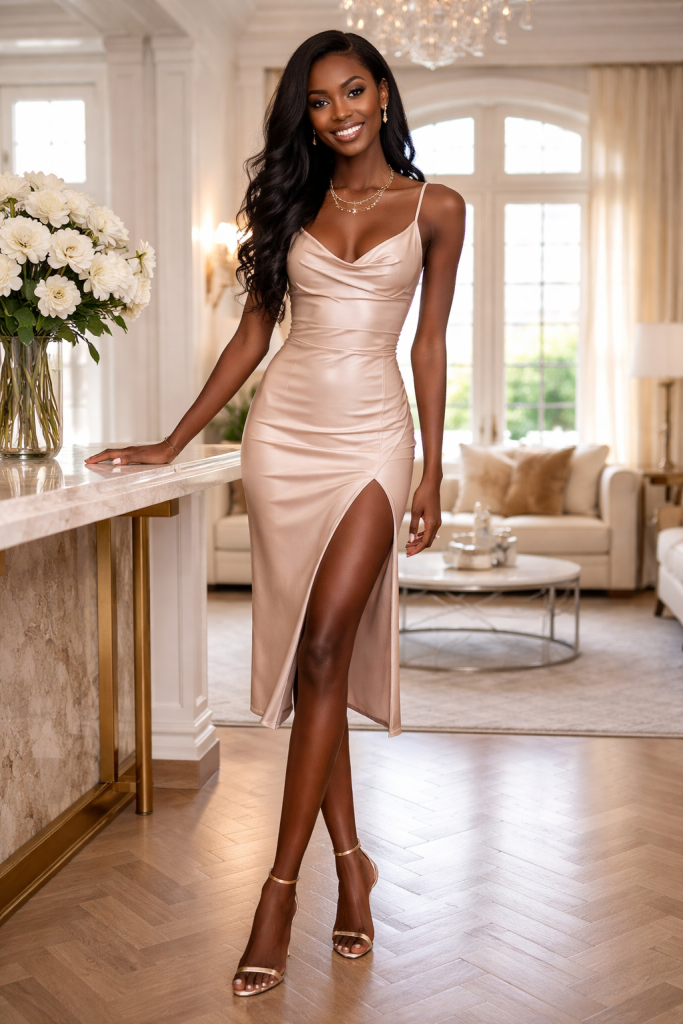
All workflows

Fashion workflow / Built for every look

Direct the set. Keep the flow.

Move from tethered capture to polished campaign delivery without separating the models, looks, decisions, and signature colour behind the assignment.

01 Location look / Connected capture
Campaign select
Live
tethered review for photographer, client, and stylist
Per-face
beauty controls that preserve model identity
One
collection from capture to campaign delivery

One collection, four connected moves

From first frame to final campaign.

Keep capture, client decisions, beauty work, colour, and every output attached to the same creative assignment.

01 / Capture PractiPix / Fashion production

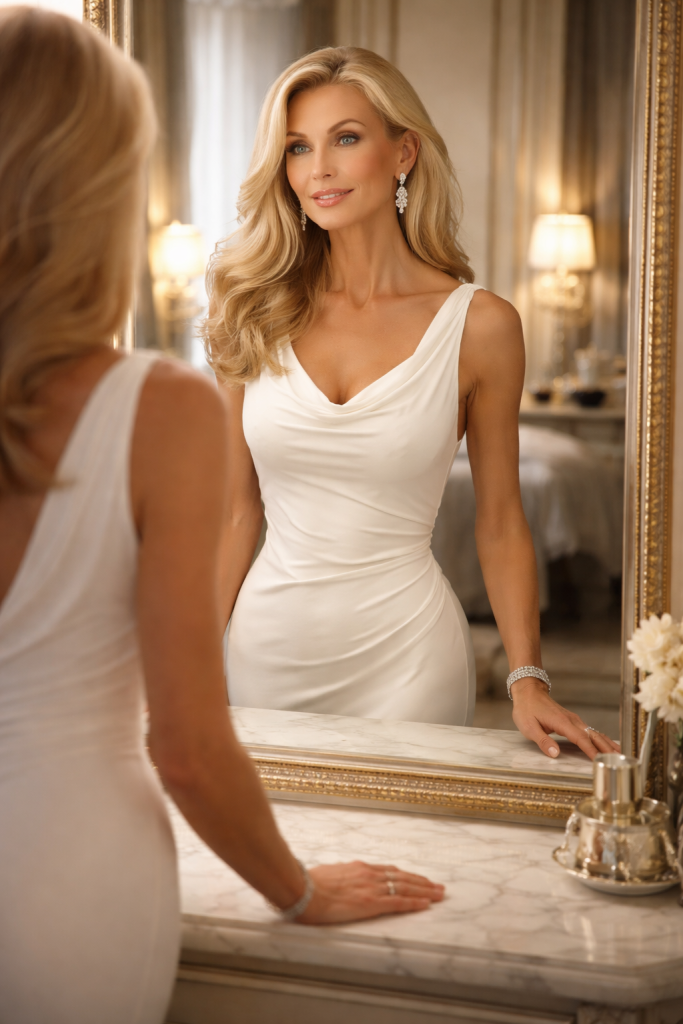
01 / Capture

Let the room see the frame while it matters.

Shoot tethered in the studio or on location, judge styling and light at working size, and keep RAW and JPEG captures grouped in the active collection.

  • USB and supported Wi-Fi camera control
  • Fullscreen live view and remote shutter
  • Mobile monitoring for clients and stylists
  • Automatic RAW and JPEG grouping
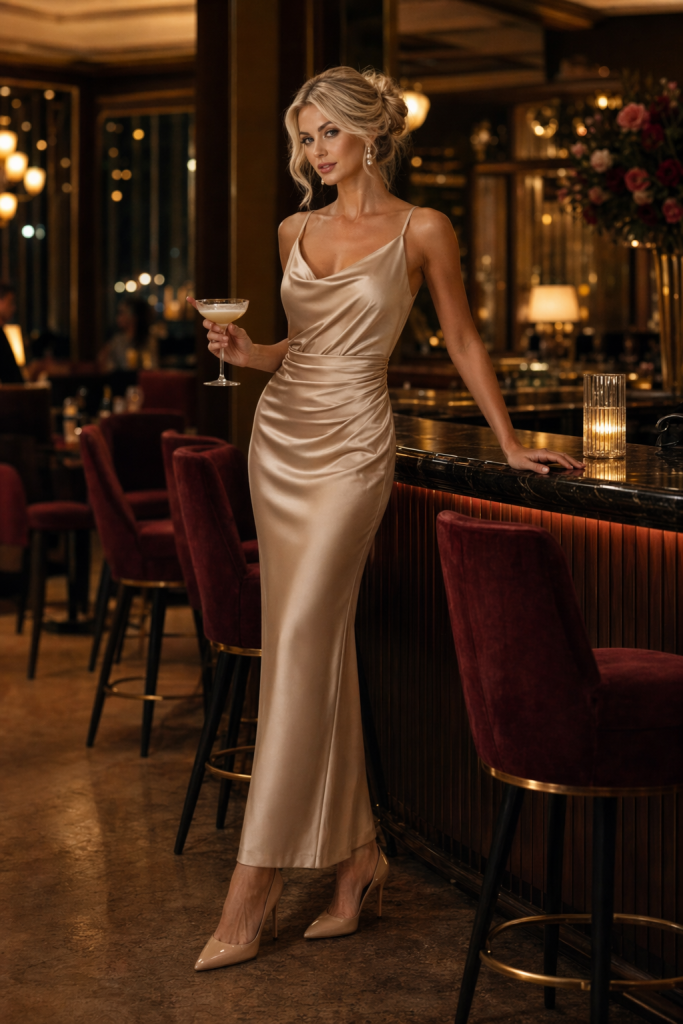
02 / Select PractiPix / Fashion production

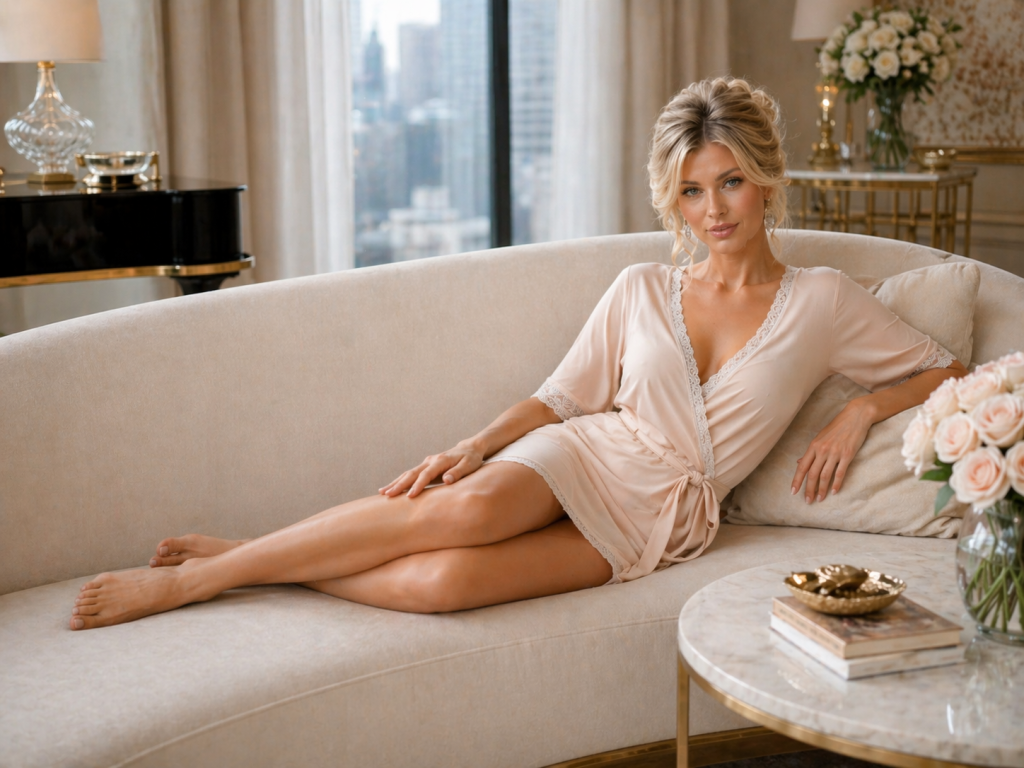
02 / Select

Keep every model and look easy to find.

Rank during the session, separate campaign heroes from alternates, and build virtual collections without copying or moving the original photographs.

  • One-to-five-star ranking and four colour labels
  • Collections organized by model, look, or client
  • Smart Folders for saved production searches
  • Per-image notes for retouch and colour decisions
03 / Refine PractiPix / Fashion production

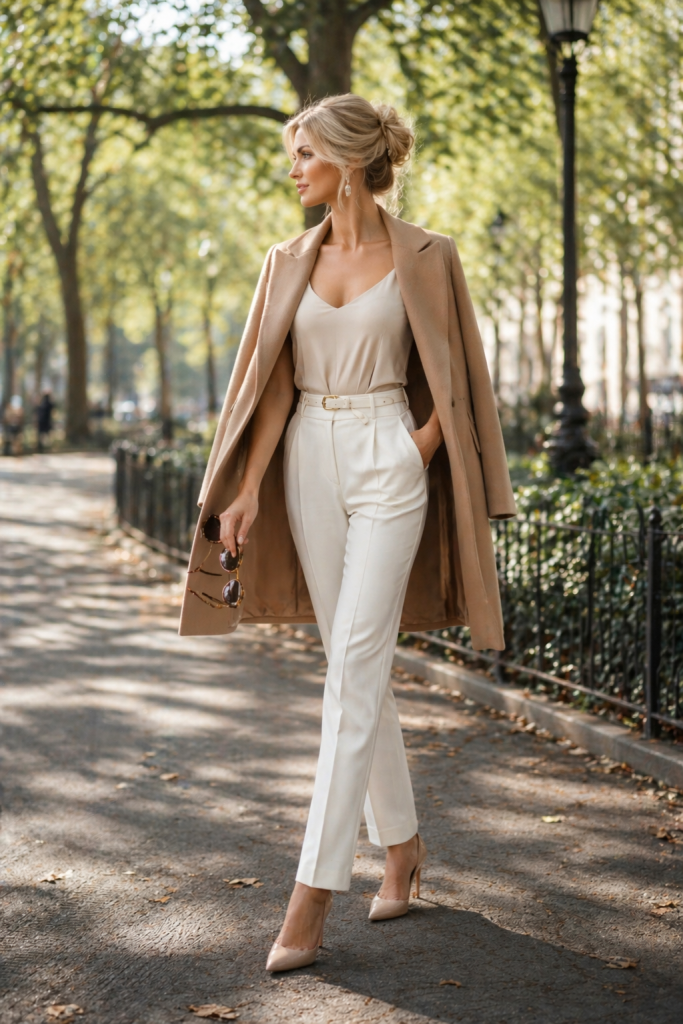
03 / Refine

Build a signature finish without flattening identity.

Retouch skin and beauty details selectively, then shape fabric, skin tone, contrast, and atmosphere with reversible colour tools.

  • Per-face Portrait Retouch on supported macOS Premium editions
  • Skin detail, under-eye, eye, teeth, lip, and iris controls
  • Tone curves, colour equalizer, and regional exposure
  • Reusable presets and cube LUT workflows
04 / Deliver PractiPix / Fashion production

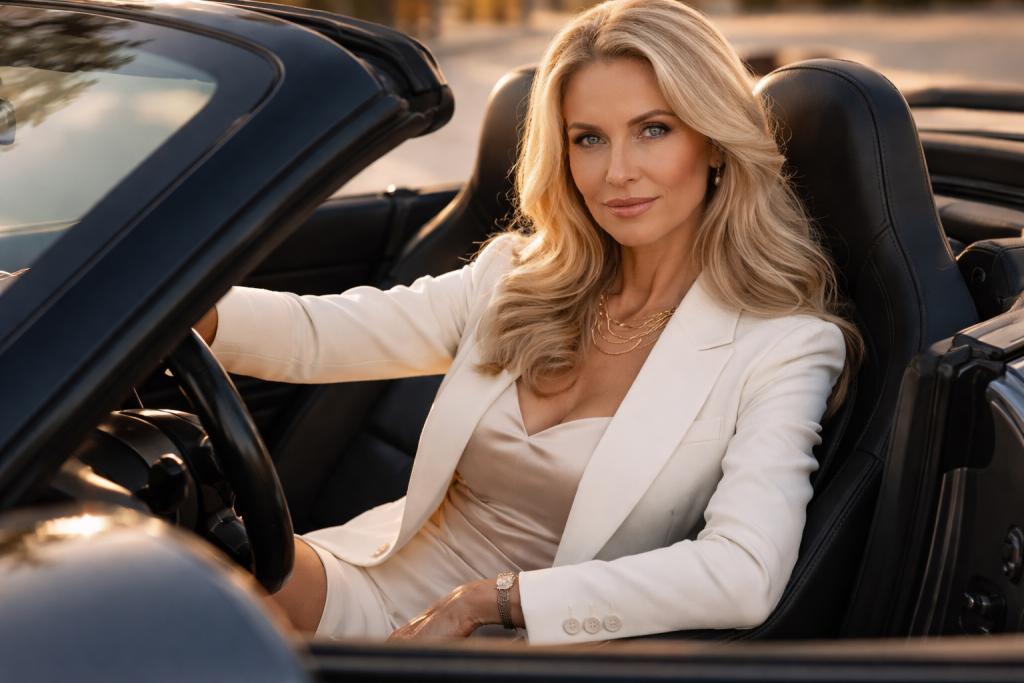
04 / Deliver

Turn one approval into every required output.

Prepare editorial, web, social, print, and archive versions from the same approved collection while preserving traceability to the source files.

  • Batch resize, rename, watermark, compress, and apply presets
  • Export folders, ZIP archives, and PDF contact sheets
  • Exchange metadata through XMP sidecars
  • Soft-proof portfolios and editorial print output

Built around the set

Precise enough for beauty. Fast enough for production.

On-set visibility

Make the frame a shared decision.

Use live view and mobile monitoring so photographers, clients, stylists, and art directors can respond while the look is still on set.

Beauty precision

Retouch the person, not a generic mask.

Per-face controls and identity-preserving skin detail keep beauty work selective, reversible, and appropriate for each model.

Signature colour

Keep the campaign language consistent.

Curves, channel controls, presets, and LUTs establish a repeatable finish across changing looks, lighting, and locations.

Production output

Deliver once, in every format.

Build the approved collection once, then produce editorial, web, social, proof, print, archive, and client-ready versions.

Fashion workflow details

The production tools behind the finished image.

Open any topic for the practical tethering, retouching, colour, collection, batch, proofing, print, and delivery capabilities behind the visual workflow.

01 Why do fashion photographers choose PractiPix?

Fashion production combines creative experimentation with strict organization and professional delivery. PractiPix keeps tethered capture, model and look selections, beauty retouching, colour decisions, and campaign output in one workspace instead of scattering the assignment across disconnected applications.

  • Manage studio, location, lookbook, editorial, and campaign photography in one project
  • Keep client decisions, notes, ratings, edits, and exports attached to the source files
  • Use perpetual licensing instead of adding another mandatory monthly subscription
02 How does tethered shooting support a fashion set?

Tethered capture lets the creative team judge pose, styling, lighting, fabric, and focus before the model changes look or the set is struck. Captures arrive directly in the active session so selection can begin without a separate import stage.

  • Auto-detect supported USB cameras and capture into the session folder
  • Configure supported PTP/IP and Sony Wi-Fi cameras for remote work
  • Use fullscreen live view and remote shutter control
  • Provide mobile live view for client, stylist, or art-director monitoring
  • Group RAW and JPEG files created by the same capture automatically
03 Which portrait and beauty retouching controls are included?

On supported macOS Premium editions, Portrait Retouch detects people and creates controls for each face. The photographer decides which models receive treatment and how much real texture remains, while every adjustment stays reversible.

  • Per-face enable controls with adjustable on-canvas face frames
  • Identity-preserving skin smoothing and detail preservation
  • Under-eye softening plus local eye and teeth brightening
  • Lip colour, lip saturation, and iris-colour refinement
  • Body-skin controls and a separate tap-to-heal blemish brush
04 How can PractiPix create a consistent fashion colour grade?

Fashion colour must protect skin tones and fabric colour while creating a recognizable editorial or campaign mood. PractiPix combines global, per-channel, and regional controls with reusable looks so hero images and the wider collection remain visually connected.

  • Shape luminosity and individual red, green, and blue tone curves
  • Fine-tune clothing and skin channels with the colour equalizer
  • Apply cube LUT files or export the current grade as a team LUT
  • Correct temperature and tint with precise white-balance controls
  • Use regional exposure for controlled lighting emphasis
05 How are models, collections, and individual looks organized?

A fashion assignment may contain several models, styling changes, client rounds, and final uses. PractiPix creates virtual working sets without moving originals, making it possible to revisit a model, look, approval state, or campaign requirement immediately.

  • Create manual collections by model, look, client, or final use
  • Track pending, approved, retouch, and published states with colour labels
  • Save filtered searches such as five-star beauty shots as Smart Folders
  • Rank photographs from one to five stars directly from thumbnails
  • Attach image-specific notes for retouch, colour, or campaign placement
06 How do batch tools prepare a complete fashion collection?

Once a look is approved, repeated production steps should not consume the same attention as the hero retouch. PractiPix applies consistent edits, dimensions, names, branding, and web preparation across a collection while preserving individual exceptions.

  • Apply exposure, colour, and LUT presets across an entire collection
  • Produce editorial, web, social, and print dimensions in batches
  • Add photographer, studio, or agency watermarks consistently
  • Rename files with patterns such as collection, look, and sequence number
  • Compress web copies and run batch AI tagging where supported
07 Which client proofing and delivery options are available?

The approved selection can become a designer review, editorial submission, agency package, or final campaign delivery without rebuilding the collection. Export manifests preserve the relationship between delivered files and their source photographs.

  • Export separate collection or look packages as ZIP archives
  • Create organized delivery folders with source manifests
  • Generate PDF contact sheets for designers, editors, and selection meetings
  • Export Adobe-compatible XMP sidecars for Lightroom and Camera Raw workflows
  • Use expiring, tracked delivery links where supported
08 How does PractiPix support portfolios, composite cards, and print?

Physical review remains important for model books, agency meetings, tear sheets, and editorial approvals. PractiPix turns approved collections into repeatable print layouts and previews colour through the intended output profile before files leave the studio.

  • Build auto-fit contact sheets for model composites and portfolio overviews
  • Use fixed 4x6, 5x7, and 8x10 print templates
  • Soft-proof with CMYK, matte-paper, or custom ICC profiles
  • Replay PractiPix adjustments and watermarks accurately in print output
09 Is PractiPix available without a monthly subscription?

PractiPix uses perpetual licensing rather than requiring a mandatory monthly payment. Fashion photographers can begin with Trial, expand batch and export production with Pro, or use Premium for supported AI retouching, advanced masking, tagging, and larger project requirements.

  • Trial covers core tethered shooting, browsing, editing, and batch tools
  • Pro expands batch operations, exports, and collection capacity
  • Premium adds supported AI features, advanced masking, and unlimited projects
  • Feature availability can vary by operating system and edition
10 What is the recommended PractiPix fashion workflow?

A connected fashion workflow begins at the camera and ends with every approved output. Keeping each look, rating, retouch decision, and export attached to one collection reduces duplicated work and uncertainty between the photographer, client, stylist, editor, and production team.

  • Connect the camera and capture directly into the active collection
  • Rank selects during the session and share live review on supported mobile devices
  • Retouch selected beauty images and establish the signature colour grade
  • Apply the approved look across the collection with batch presets
  • Organize finals by model or look, then export proofs, client files, and portfolio prints

Your look. Your files. Your workflow.

Keep the creative team moving.

Try the complete PractiPix fashion workflow, then choose the edition that fits your studio or production team. No subscription required.