Why Graphic Designers Choose PractiPix

Graphic design demands precision, creativity, and organization. You juggle hundreds of fonts across multiple projects, extract text from client screenshots and mood boards, edit assets for mockups, and deliver polished work on tight deadlines. PractiPix was built to handle exactly this kind of multi-task, high-volume workflow—without forcing you into a subscription ecosystem or slowing you down with clunky tools.

Font Management Without the Chaos

After collecting thousands of typefaces, the first challenge is finding the right font fast. PractiPix gives you a visual font library that feels instantaneous:
• Font Upload & Preview supports OTF, TTF, and WOFF files—upload your entire collection and preview them side-by-side with custom sample text.
• Tag & Categorize lets you organize fonts by style, client, or project without moving files on disk.
• Quick Search & Filter finds typefaces by name, style, or visual characteristics in seconds.
• One-Click Actions download or copy fonts directly to your clipboard for immediate use in design apps.
• Font Comparison view multiple typefaces together to make confident pairing decisions.

OCR & Text Extraction

Client sent a screenshot with text you need to reuse? Found inspiration with perfect copy? PractiPix extracts clean, editable text from any image:
• Extract from Any Image pull text from screenshots, PDFs, photos, and mood boards instantly.
• Preserve Formatting maintains line breaks and structure so you can paste directly into your designs.
• Multi-Language Support handles text extraction in multiple languages for international projects.
• Batch Processing extract text from multiple images at once for faster workflows.
• Export Options copy to clipboard or save as text files for easy integration.

One Purchase, No Subscription

Unlike Adobe’s monthly model, PractiPix offers perpetual licenses with clear tier benefits:
• Trial — Test core features including font management, OCR, and basic editing.
• Pro — Unlock batch operations, advanced export options, and extended font library limits.
• Premium — Access AI features (OCR batch processing, background removal), full mobile sync, and unlimited projects.
Woman working on creative design on a computer in a bright, modern office
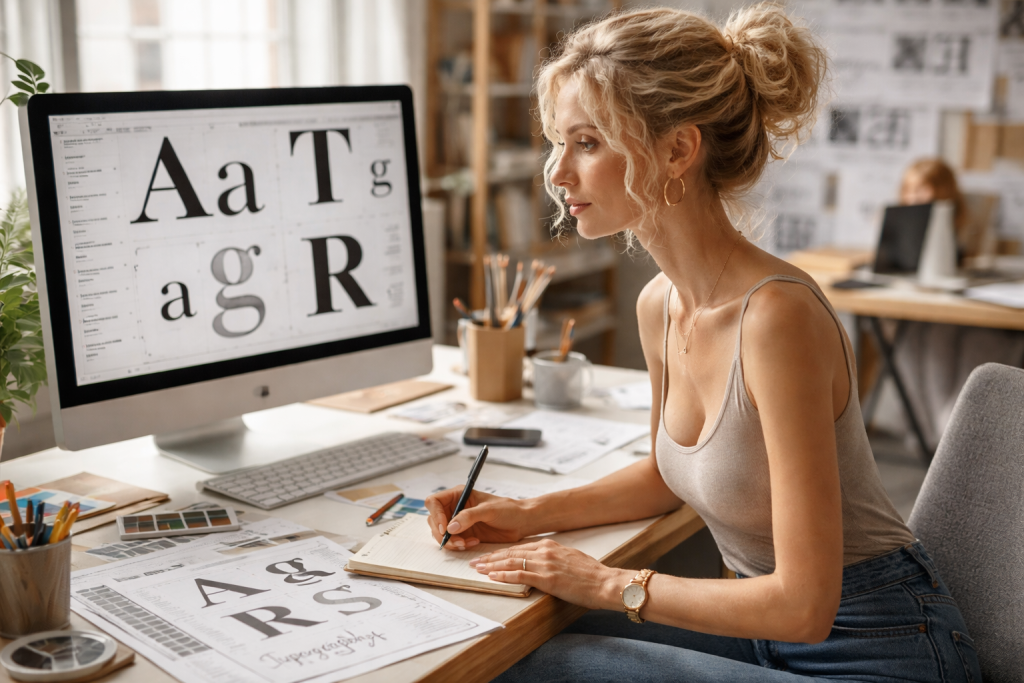
Woman working on typography design at a computer with printed typeface samples on desk
Woman seated at desk sorting printed photos with computer and camera nearby
Woman at desk looking at printed photos with two computer monitors displaying photo editing software
Smiling woman sitting at a white desk typing on a keyboard with a desktop computer in a bright room
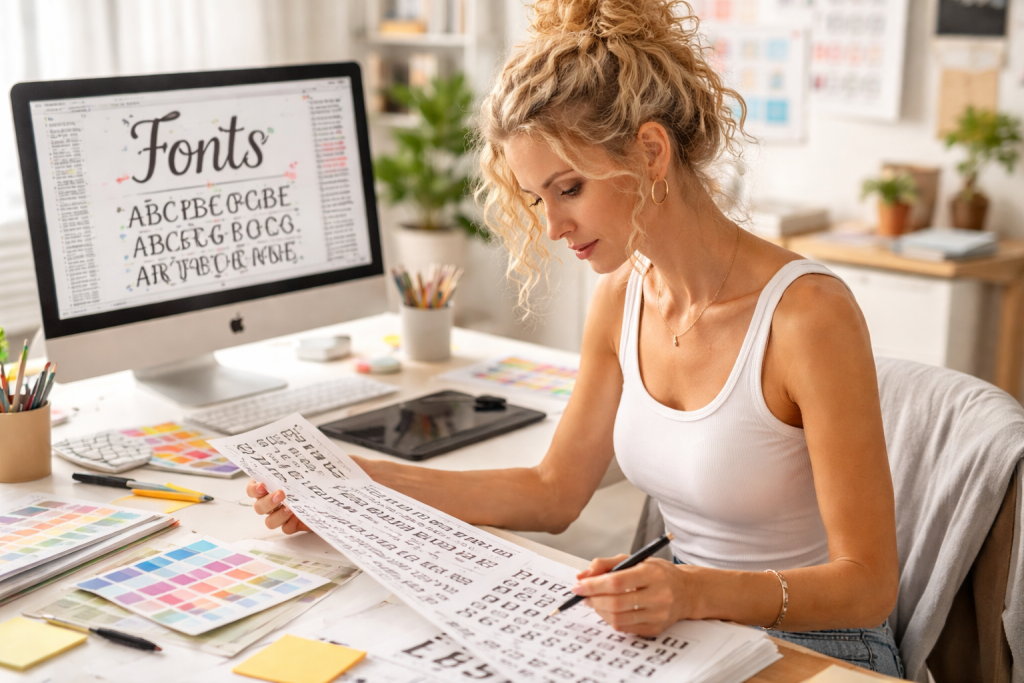
Woman reviewing and drawing font designs at a desk with color swatches and a computer screen showing fonts.
Woman using a digital pen tablet to create colorful artwork on a computer screen
Woman using computer to create colorful digital artwork in bright modern office
Blonde woman editing a vibrant digital artwork on a computer in an office

Image Editing for Design Assets

Not every image needs Photoshop. PractiPix handles the everyday edits designers need:
• Crop, Resize & Rotate prepare images for social media, mockups, and client presentations instantly.
Color Adjustments fine-tune brightness, contrast, and saturation for visual consistency.
• Background Removal isolate products and subjects for clean composites.
• Batch Editing apply the same adjustments to multiple assets at once.
• Web-Ready Export save in PNG, JPG, or WebP formats optimized for digital delivery.

Asset Organization & Delivery

Disorganized assets kill momentum. PractiPix keeps projects tidy from start to finish:
• Project Folders organize all fonts, images, and exports by client or campaign.
• Smart Tags & Search find any asset instantly without digging through folders.
• Version History track changes and rollback to previous versions when needed.
• Secure Client Links share delivery folders with expiration dates and download tracking.
• No File Moving virtual collections let you group assets without duplicating or reorganizing your disk structure.

The Bottom Line

PractiPix gives graphic designers a fast, flexible, and future-proof workflow—from font hunting to final delivery. It respects your time with organized libraries and instant text extraction, your creativity with powerful editing tools, and your business with practical client delivery features. Whether you’re a solo designer managing multiple clients or a studio team handling large campaigns, PractiPix scales to meet your needs without locking you into a subscription ecosystem.
Read more >>

PractiPix

PractiPix Assistant

Answers prioritize the published help documents.

PractiPix Assistant

Answers prioritize the published help documents.

Press Enter to send. Use Shift+Enter for a new line.