All workflows

Sports workflow / Built for the decisive second

Catch the moment. Beat the deadline.

Move from a full card of bursts to sharp, ranked, publication-ready selects without losing the play, the athlete, or the delivery brief.

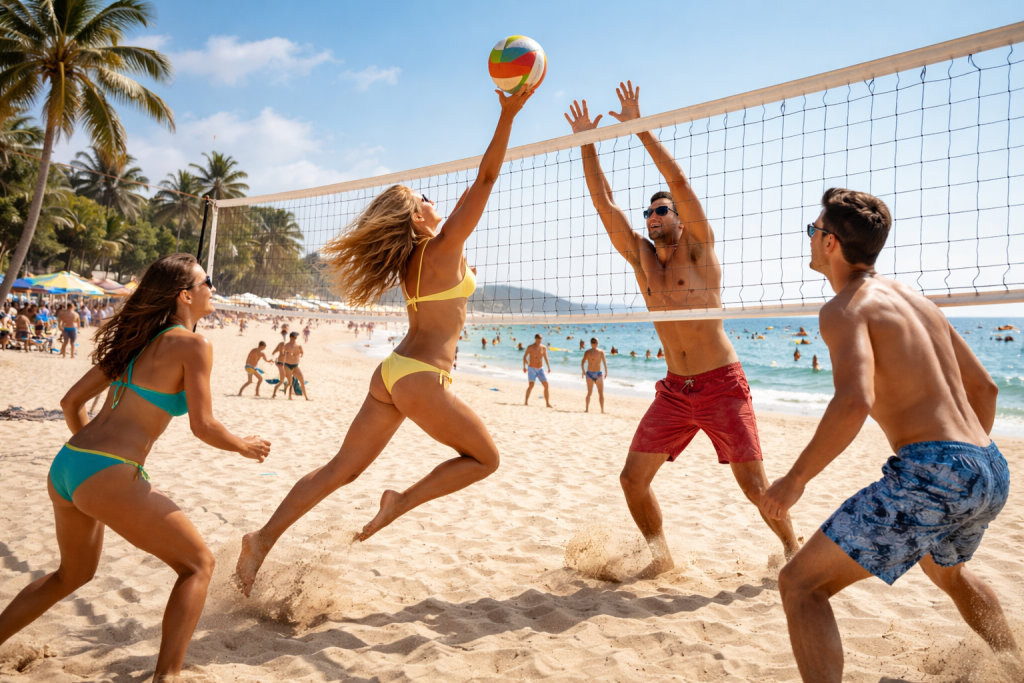
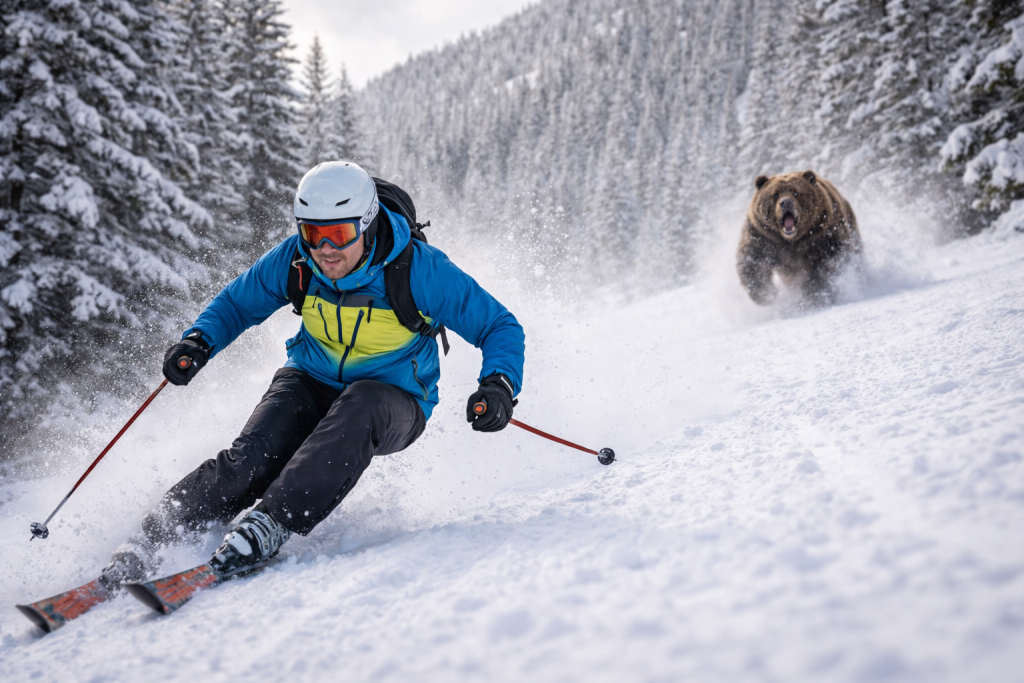
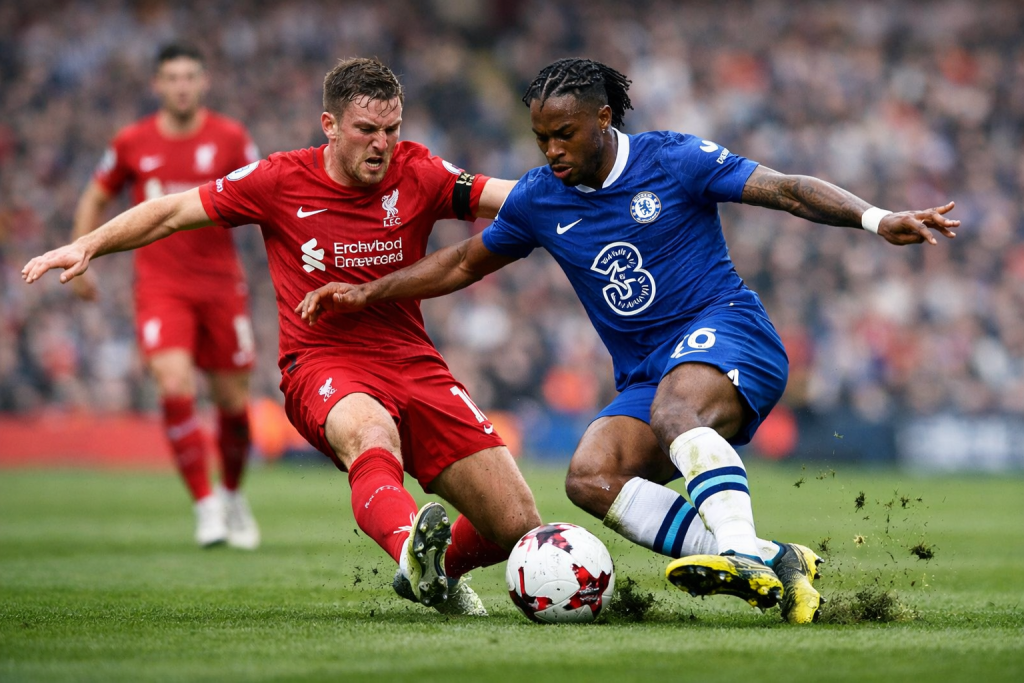
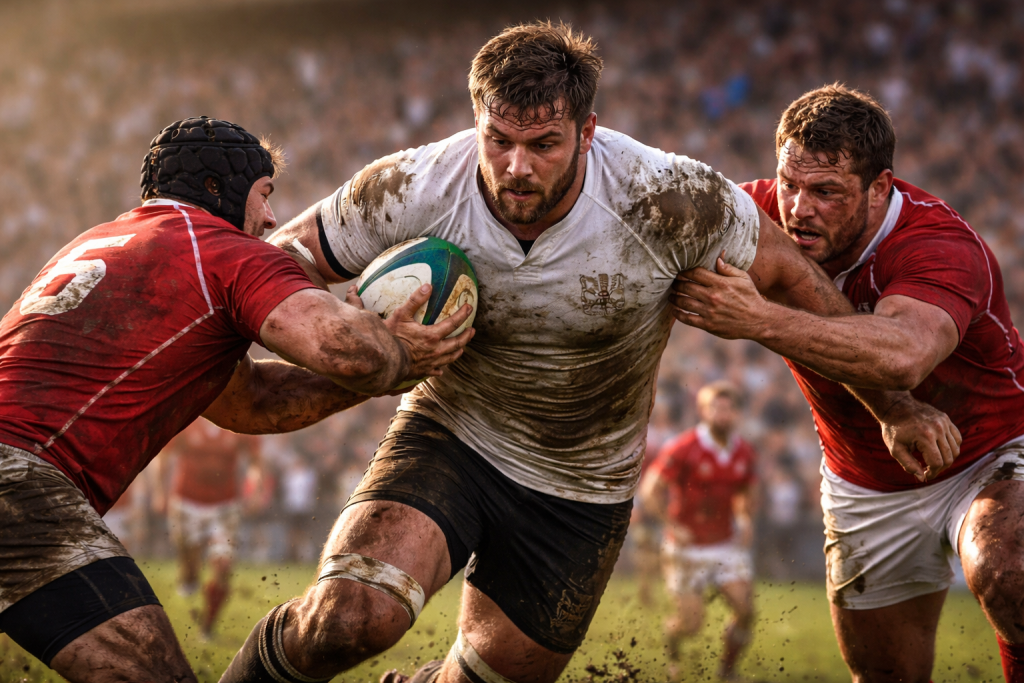
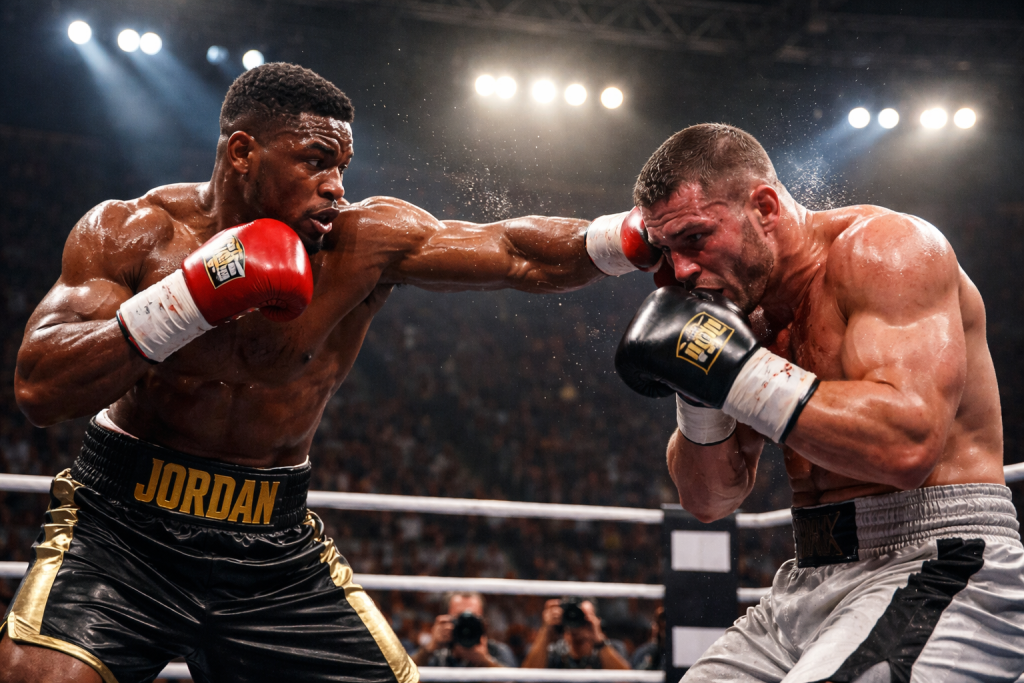
Trackside / Peak action
Trackside / Peak action PractiPix / Live assignment
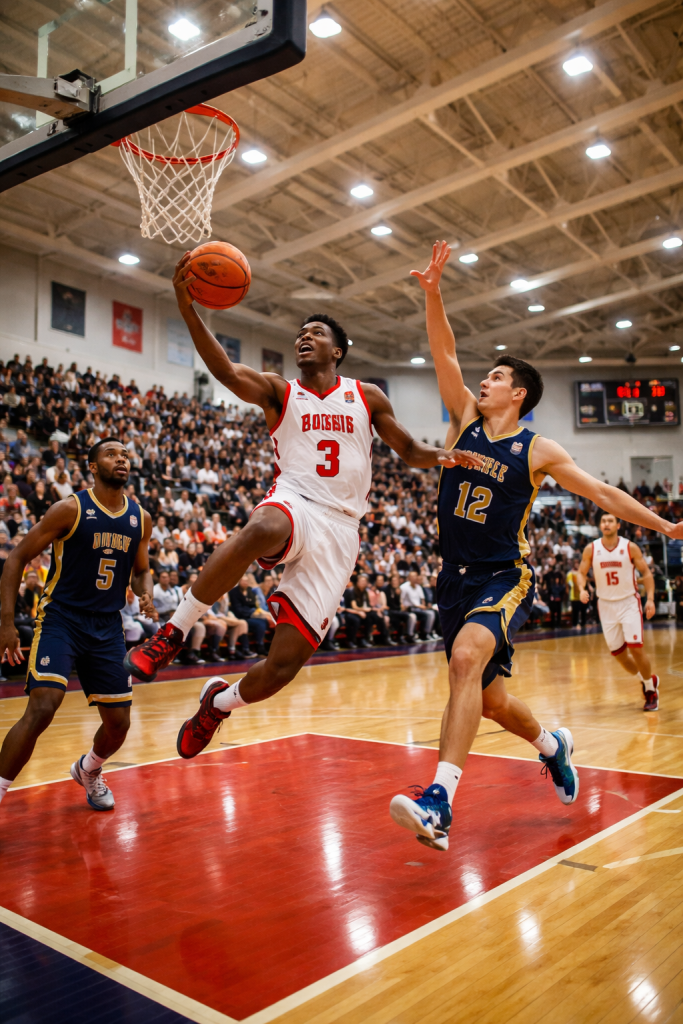
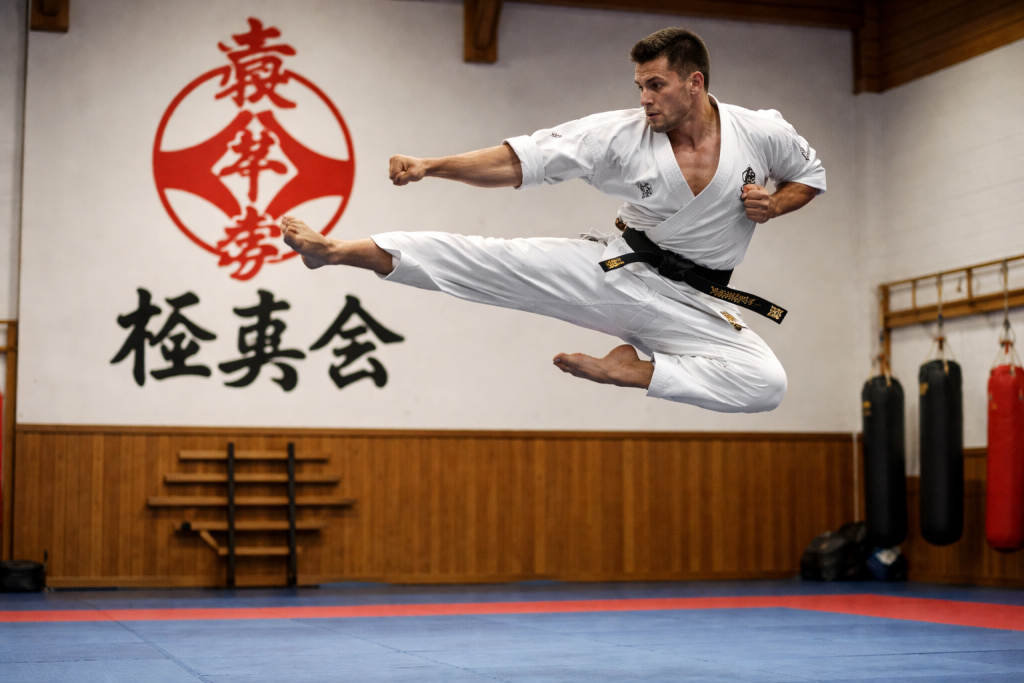
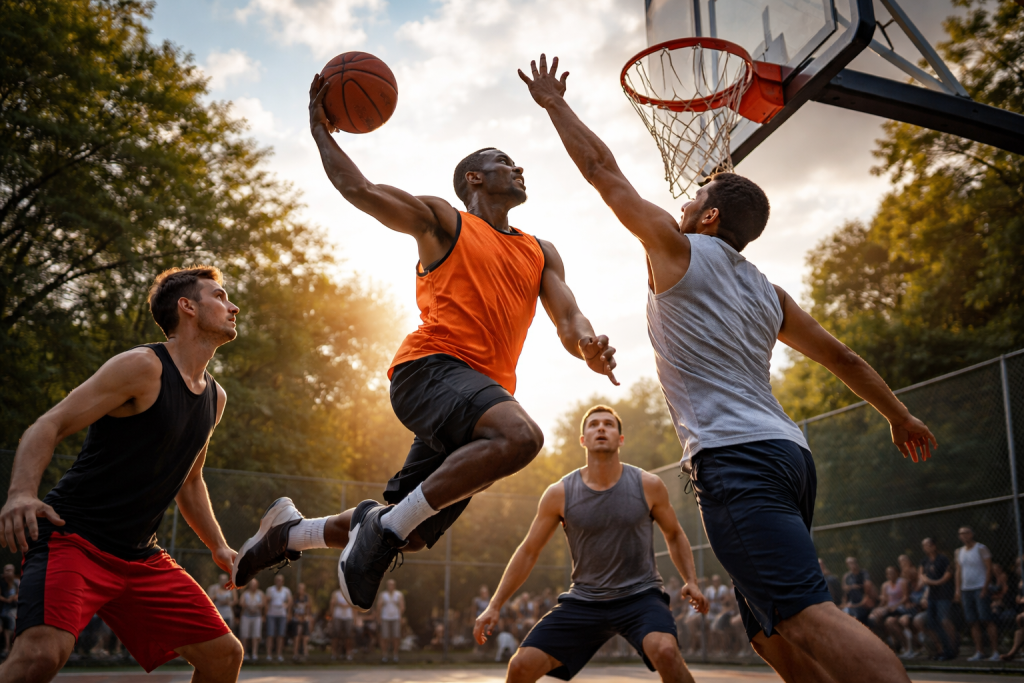
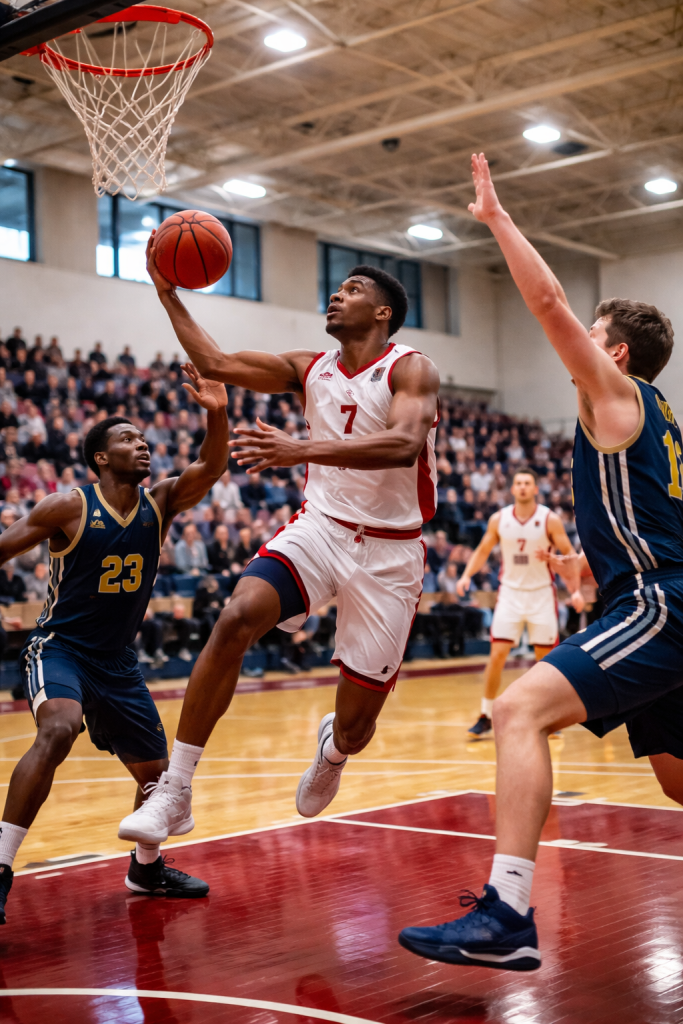
Courtside select
Courtside select
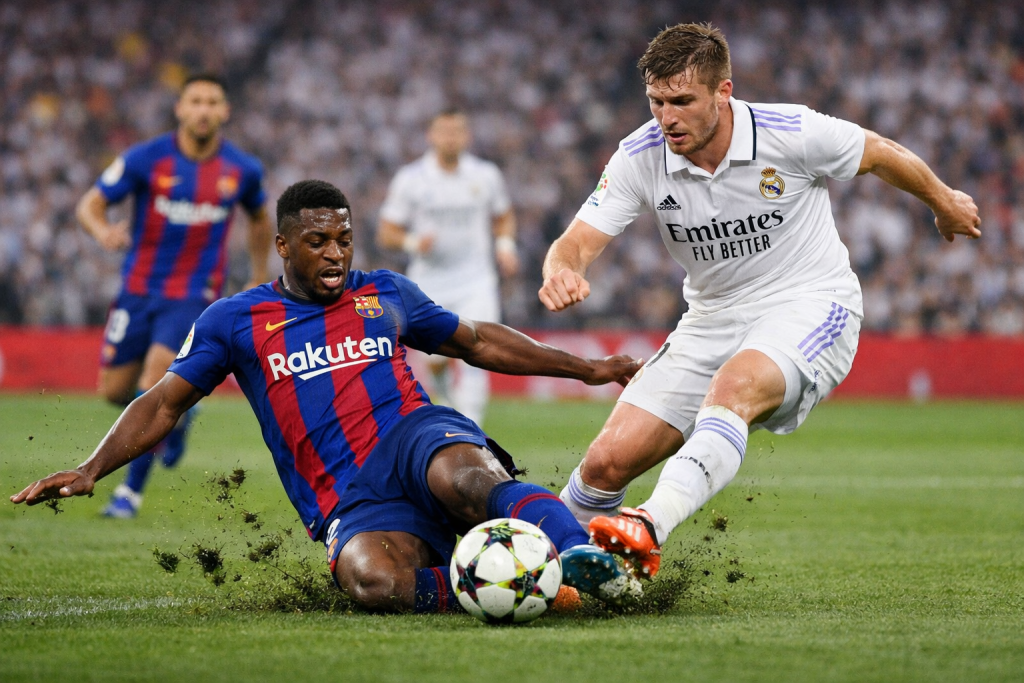
Burst
comparison built for near-identical action frames
P / X
keyboard culling that keeps your eyes on the sequence
One
event from card ingest to editor delivery

One event, four fast moves

From first whistle to filed selects.

  1. 01 Ingest
  2. 02 Cull
  3. 03 Refine
  4. 04 File

Keep every burst, rating, adjustment, caption, and export attached to one assignment while the deadline keeps moving.

Bring the whole event in without breaking stride.
01 / Ingest PractiPix / Sports desk

01 / Ingest

Bring the whole event in without breaking stride.

Import cards into an organized assignment, preserve camera metadata, and keep related RAW and JPEG files together before the first pass begins.

  • Folder-based event organization
  • Automatic RAW and JPEG grouping
  • Metadata-preserving imports
  • Backup checks before cards are cleared
Find the frame where everything lands.
02 / Cull PractiPix / Sports desk

02 / Cull

Find the frame where everything lands.

Compare a burst at useful size, reject misses with the keyboard, and let supported AI assistance surface sharp peak-action candidates for review.

  • Pick, reject, and unreviewed shortcuts
  • Side-by-side Survey Mode
  • Configurable AI Auto-Cull keep count
  • Filters for reviewed and selected frames
Give every keeper the same game-day finish.
03 / Refine PractiPix / Sports desk

03 / Refine

Give every keeper the same game-day finish.

Recover stadium light, control high-ISO noise, straighten the frame, and apply a repeatable event look without flattening individual photographs.

  • Highlights and shadows recovery
  • Tone curves and local masking
  • Denoise and lens corrections
  • Reusable editing presets
Turn approved plays into every required delivery.
04 / File PractiPix / Sports desk

04 / File

Turn approved plays into every required delivery.

Build editorial, web, social, print, and archive outputs from the same ranked selection, with clear names and searchable metadata.

  • Batch resize, rename, and watermark
  • Collections for teams, players, and stories
  • ZIP, folder, and XMP exports
  • Searchable tags and delivery manifests

Made for deadline pressure

Fast where it matters. Exact where it counts.

Sequence control

See the play, not a wall of thumbnails.

Move through bursts as connected moments, compare near-duplicates, and keep the frame with the strongest action, expression, and position.

Rapid decisions

Cull without reaching for the mouse.

Pick, reject, rank, and filter from the keyboard so attention stays on timing and focus instead of interface navigation.

Consistent finish

Correct changing light as one assignment.

Apply a repeatable event look in batches, then refine exceptional frames individually when the venue or action changes.

Deadline output

File the right size, name, and story.

Prepare editor selects, web galleries, social crops, print files, and archives from one approved collection.

Sports photography workflow details

The tools behind a faster finish.

Open any topic for practical information about burst culling, ranking, editing, metadata, batch production, delivery, and licensing.

01 Why do sports photographers choose PractiPix?

Sports photography combines high frame counts, near-identical bursts, difficult light, detailed metadata, and deadlines that may be measured in minutes. PractiPix keeps culling, ranking, editing, organization, and delivery in one workspace so the assignment does not have to be rebuilt between separate applications.

  • Manage games, races, tournaments, and multi-day events as connected projects
  • Keep ratings, labels, edits, captions, collections, and exports attached to source files
  • Use perpetual licensing rather than another mandatory monthly subscription
02 How does AI-assisted burst culling work?

On supported editions, AI Auto-Cull can analyze burst sequences for sharpness, composition, subject position, and peak action, then propose a configurable number of winners. The photographer remains in control and can review every result before a frame is accepted or rejected.

  • Choose how many candidate frames to keep from each burst
  • Optionally consider expressions and open eyes in suitable sequences
  • Review a summary of analyzed images, sequences, and proposed winners
  • Run larger culling jobs across complete event folders
03 Can I cull a sports assignment manually?

Yes. A fast manual pass is often the best way to judge sport-specific timing. Pick, Reject, and Unreviewed shortcuts support rapid triage, while Survey Mode places related frames side by side for a closer decision.

  • Use P, X, and U to classify frames from the keyboard
  • Compare expressions, ball position, focus, and body shape side by side
  • Choose the best frame directly from a checked sequence
  • Filter immediately to picked, rejected, unreviewed, or ranked images
04 How do star ratings and colour labels organize delivery tiers?

A two-pass workflow separates the decision to keep a frame from the decision about how it will be used. After culling, one-to-five-star ratings can identify general selects, editorial priorities, highlight images, or print candidates, while colour labels track a custom production status.

  • Rank directly from thumbnails or the active image
  • Filter to a minimum rating such as four stars and above
  • Use red, yellow, green, and blue labels for editorial, web, print, or archive states
05 Which editing tools help with indoor and outdoor sports?

PractiPix provides non-destructive controls for changing daylight, bright stadium highlights, dark uniforms, high-ISO indoor files, and telephoto-lens characteristics. Adjustments can be reused across a sequence while important frames remain individually editable.

  • Crop to common editorial ratios and straighten tilted horizons
  • Recover shadow and highlight detail in difficult venue lighting
  • Shape contrast with tone curves and target areas with local masks
  • Reduce luminance and colour noise in high-ISO captures
  • Apply supported lens distortion and vignette corrections
06 How do batch tools speed up sports photo production?

Once the event look and delivery specification are known, repeated production steps can run across the approved collection. PractiPix applies consistent adjustments and output rules while preserving the option to treat individual hero frames differently.

  • Apply exposure, contrast, colour, and preset changes across an event
  • Resize simultaneously for editorial, web, social, and print uses
  • Add agency or photographer watermarks consistently
  • Rename with event, team, player, and sequence patterns
  • Compress web copies and run supported AI tagging in batches
07 How can sports photographs be organized by story or subject?

Manual Collections create virtual sets such as game highlights, key plays, player portraits, crowd reactions, sponsors, or press selects without copying or moving the originals. Saved searches can surface repeatable combinations of ratings, labels, metadata, and review state.

  • Build collections by match, athlete, team, story, or delivery destination
  • Use Smart Folders for frequently repeated assignment searches
  • Preserve captions, keywords, and source relationships throughout production
08 Which delivery options are available for editors and clients?

Approved collections can be prepared as organized folders or compressed packages without recreating the selection. Export manifests and sidecars help the receiving editor understand where delivered files came from and continue work in compatible applications.

  • Export a collection as a ZIP archive or organized folder
  • Generate delivery manifests for traceability
  • Export Adobe-compatible XMP sidecars for supported round trips
  • Use tracked, expiring delivery links where supported
09 Is PractiPix available without a monthly subscription?

PractiPix uses perpetual licensing instead of requiring a mandatory monthly payment. Sports photographers can begin with Trial, expand production and export capacity with Pro, or use Premium for supported AI capabilities, advanced masking, and larger project requirements.

  • Trial covers core browsing, culling, editing, and batch tools
  • Pro expands batch operations, exports, and collection capacity
  • Premium adds supported AI features, advanced masking, and unlimited projects
  • Feature availability can vary by operating system and edition
10 What is the recommended sports photography workflow?

A connected sports workflow begins with a safely organized event folder and ends with verified delivery. The strongest process combines fast technical assistance with the photographer’s understanding of the sport, the story, and the exact frame an editor needs.

  • Import cards into the event structure and verify a backup before reformatting
  • Group bursts and run supported AI assistance when it suits the assignment
  • Cull with keyboard shortcuts, then rank keepers for each delivery tier
  • Apply the event look in a batch and refine hero frames individually
  • Create story-based collections and export the required sizes, names, and metadata

Your event. Your deadline. Your files.

Stay ahead of the next play.

Try the complete PractiPix sports workflow, then choose the edition that fits your assignments. No mandatory subscription.