Why Wedding Photographers Choose PractiPix

Wedding photography demands speed, precision, and flexibility. You shoot thousands of images in a single day, work across multiple locations, deliver both candid moments and formal portraits, and need to turn around polished galleries quickly. PractiPix was built to handle exactly this kind of high-volume, high-stakes workflow—without forcing you into a subscription ecosystem or slowing you down with clunky tools.
Fast, Confident Culling

After a wedding shoot, the first challenge is separating keepers from duplicates. PractiPix gives you a keyboard-driven culling workflow that feels instantaneous:
Pick / Reject / Unreviewed states with P, X, U shortcuts let you mark images as you browse—no rating overload, just clear yes/no decisions.
Survey Mode snaps checked or selected images into a side-by-side comparison view so you can evaluate burst sequences, ceremony moments, or reception candids frame-by-frame.
Best Frame (B) automatically marks the strongest shot as Picked and rejects the rest of that burst group in one keystroke.
AI Auto-Cull analyzes sharpness, exposure, composition, and face quality across a burst, then sets Pick/Reject states for the top-ranked frames—ideal for fast-moving ceremony sequences or dance-floor action.
Review filters in the toolbar let you instantly view only Picked, Rejected, or Unreviewed images, so your final selection process stays focused.

Smart Organization Without Moving Files

Wedding shoots span multiple folders—ceremony, portraits, reception, details—often across multiple memory cards. PractiPix keeps everything accessible without forcing you to reorganize your disk structure:
Dual-Pane Browser shows two folders side-by-side, perfect for comparing ceremony coverage from two cards or matching formal portraits with candid alternates.
Manual Collections let you build client delivery sets by dragging images from anywhere in your library. No copying, no moving—just virtual groupings you can revisit anytime.
Smart Folders save filtered searches (by date, rank, review state, people, or GPS) so you can reopen “Ceremony Picks” or “Reception Rejects” instantly.
People Search (macOS) clusters similar faces and lets you reopen all images of the bride, groom, or key family members without manual tagging.
Map & Timeline Browser groups GPS-tagged images by location and capture date, helping you rediscover moments from the ceremony site, reception venue, or golden-hour portraits.

Mobile & Tethered Workflows

Wedding work doesn’t stop at the desktop. PractiPix extends your workflow to mobile and studio environments:
Mobile Tethered Shooting (iOS & Android) connects to Sony Wi-Fi cameras for live view, remote capture, and automatic import—great for engagement sessions or studio formals.
Desktop ↔ Mobile Sync pushes selected images to your phone for on-the-go review, then pulls rankings and tags back to the desktop.
USB & Wi-Fi Tethering (macOS/Linux) supports live view and remote shutter for controlled portrait sessions or detail shots.

One Purchase, No Subscription

Unlike Adobe’s monthly model, PractiPix offers perpetual licenses with clear tier benefits:
Trial — Test core features including culling, Survey Mode, and basic editing.
Pro — Unlock batch operations, LUT workflows, and advanced export options.
Premium — Access AI features (Auto-Cull, Portrait Retouch, Tagging), GalleryOne Bridge,
and full mobile sync.

Interoperability With Your Existing Tools

You don’t have to abandon Lightroom or Capture One to use PractiPix. It fits into mixed-tool workflows:
XMP Sidecar Import/Export syncs keywords, descriptions, ratings, and color labels with Adobe-compatible .xmp files.
RAW Support covers all major camera brands (Canon CR2/CR3, Nikon NEF, Sony ARW, Fujifilm RAF, Panasonic RW2, and more) via LibRaw.
Video & Audio Support browses MP4, MOV, and audio files alongside stills—ideal for hybrid wedding coverage.
Font Management previews and organizes typefaces for album design, invitations, or branding work.
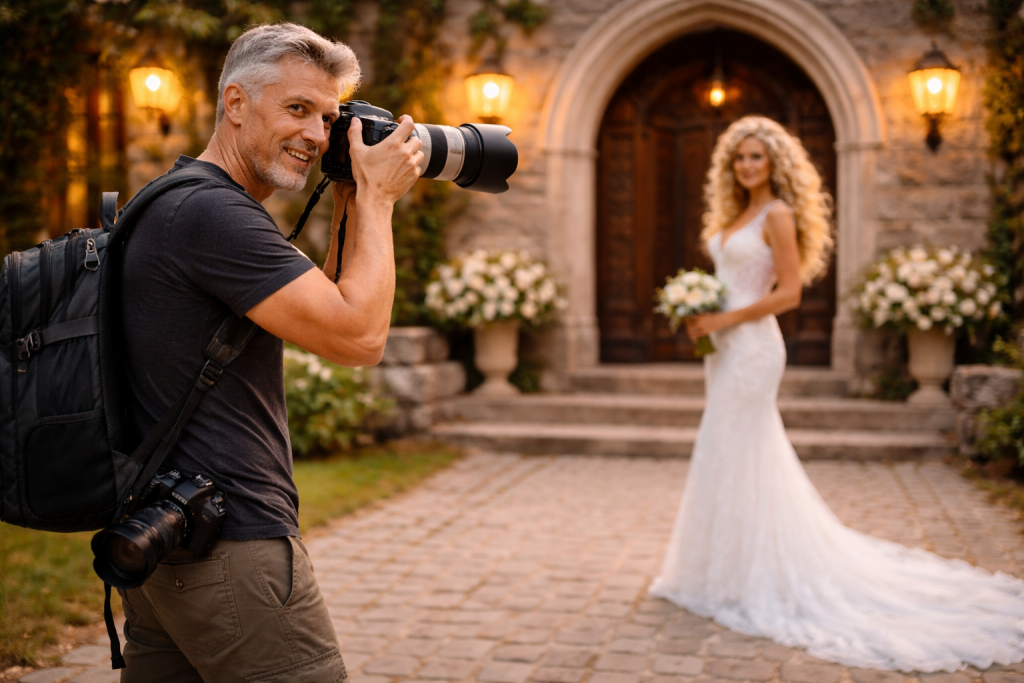
Photographer captures bride in white gown outside stone building with arched doorway.
Photographer capturing a bride in a white lace wedding dress standing on stone steps outside a rustic building.
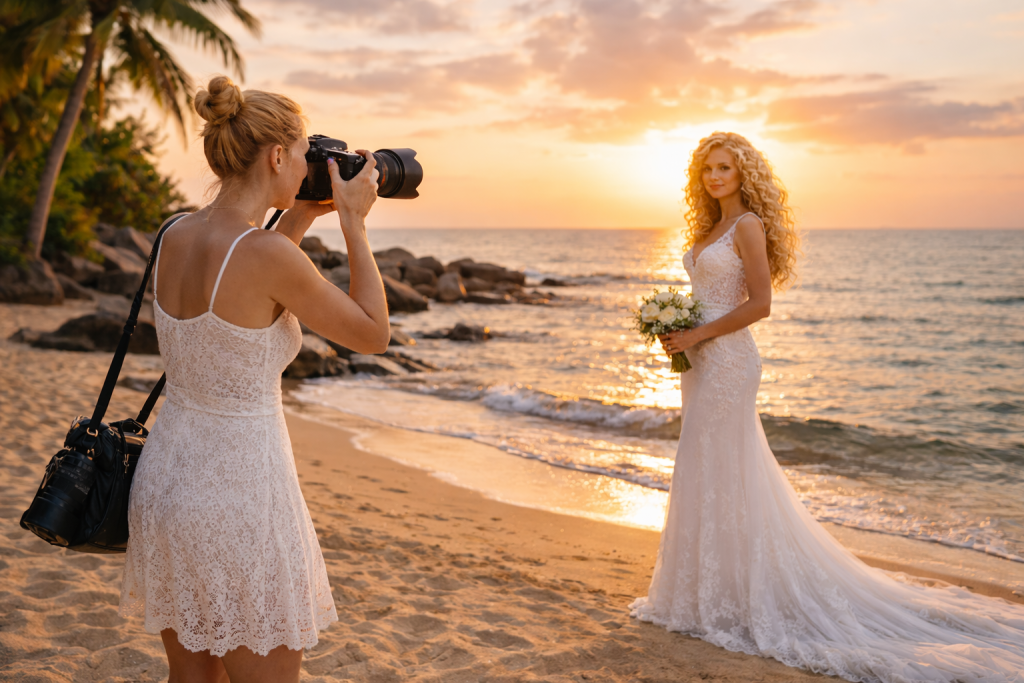
Photographer taking pictures of a bride in a lace wedding dress on a beach at sunset
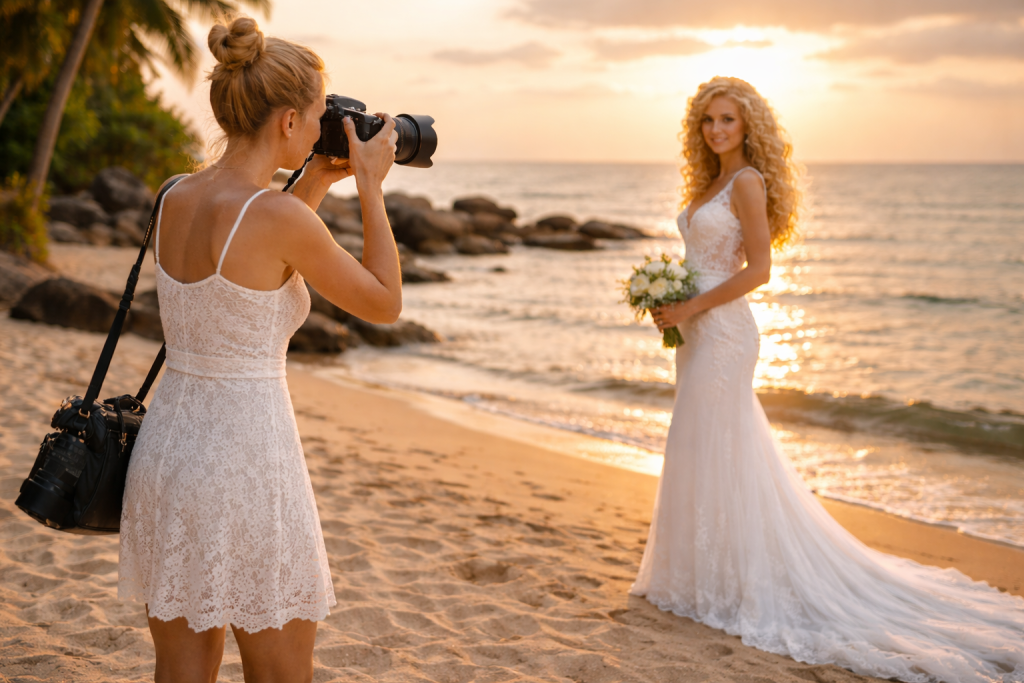
Photographer captures bride holding bouquet on sandy beach at sunset with ocean background
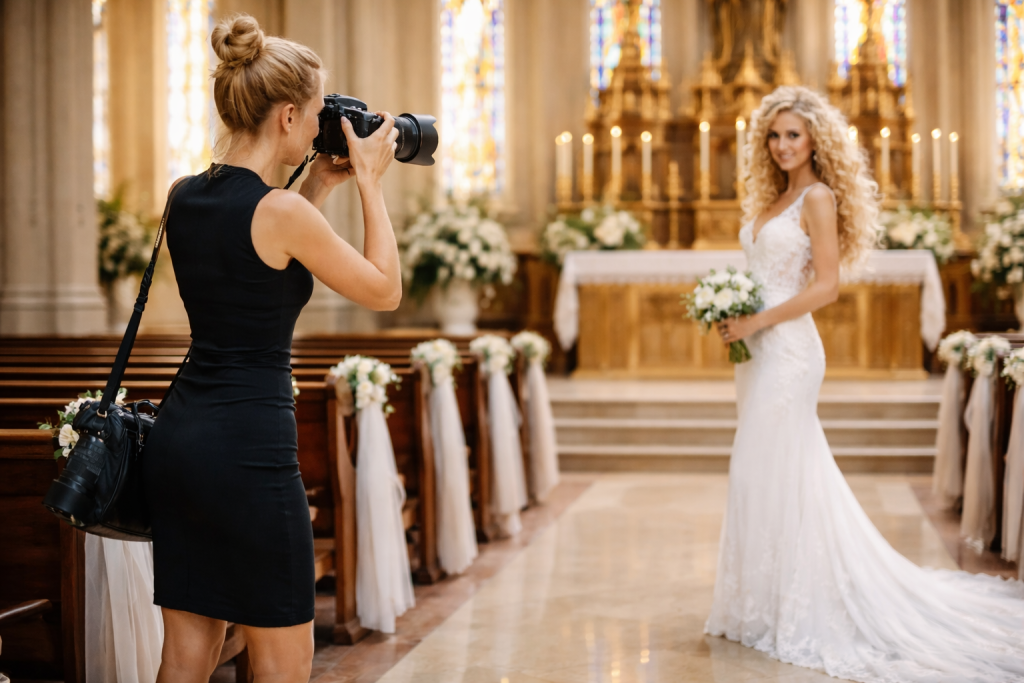
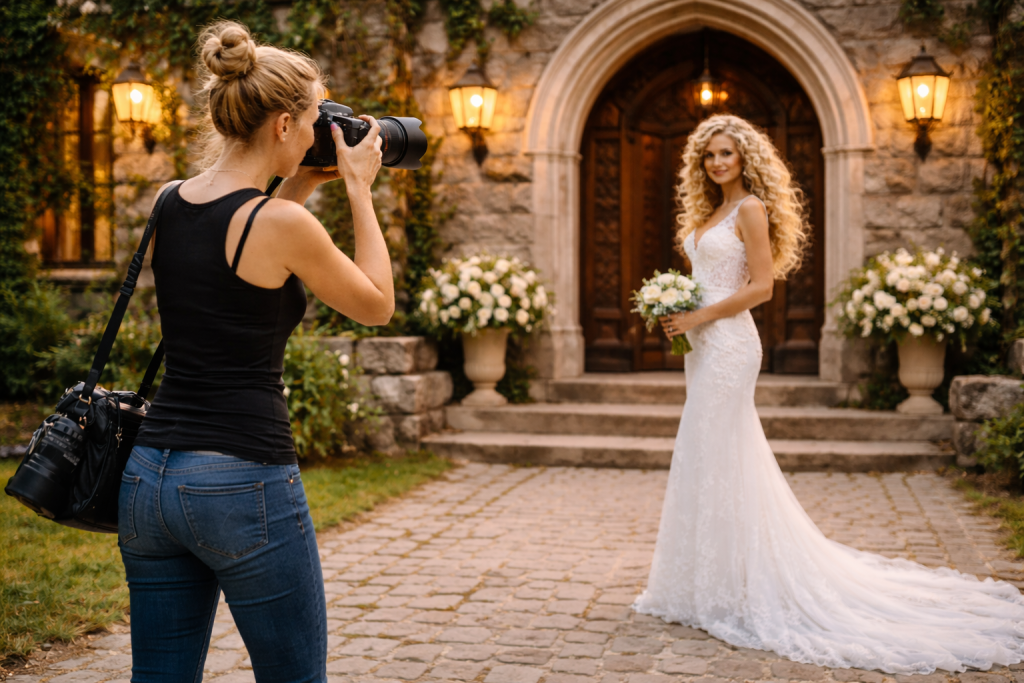
Photographer in black dress photographing bride in white gown holding bouquet inside a church
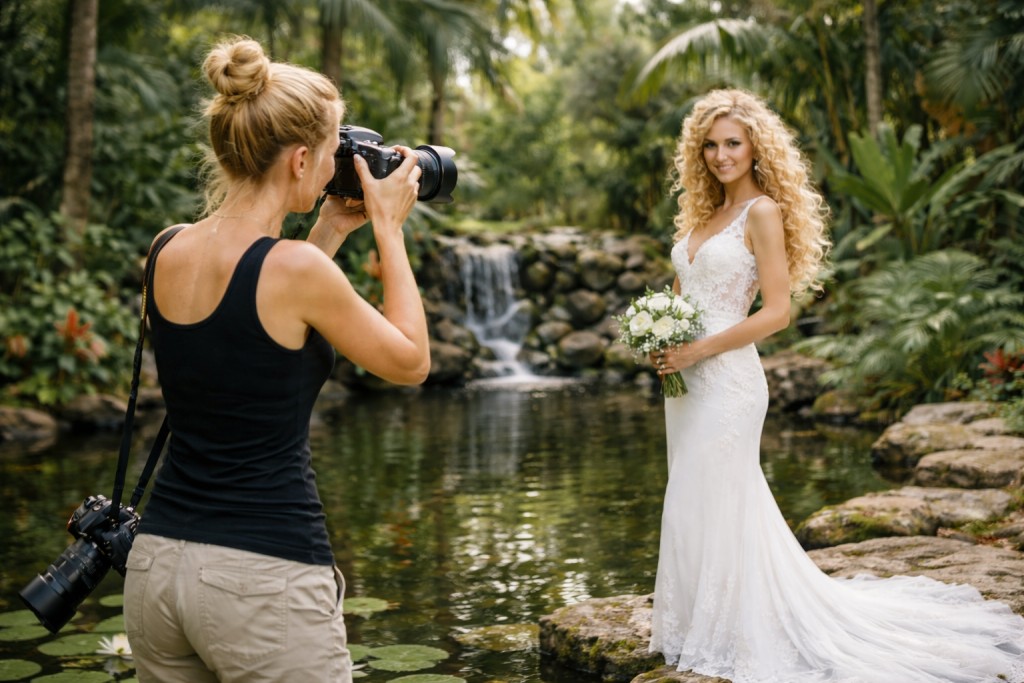
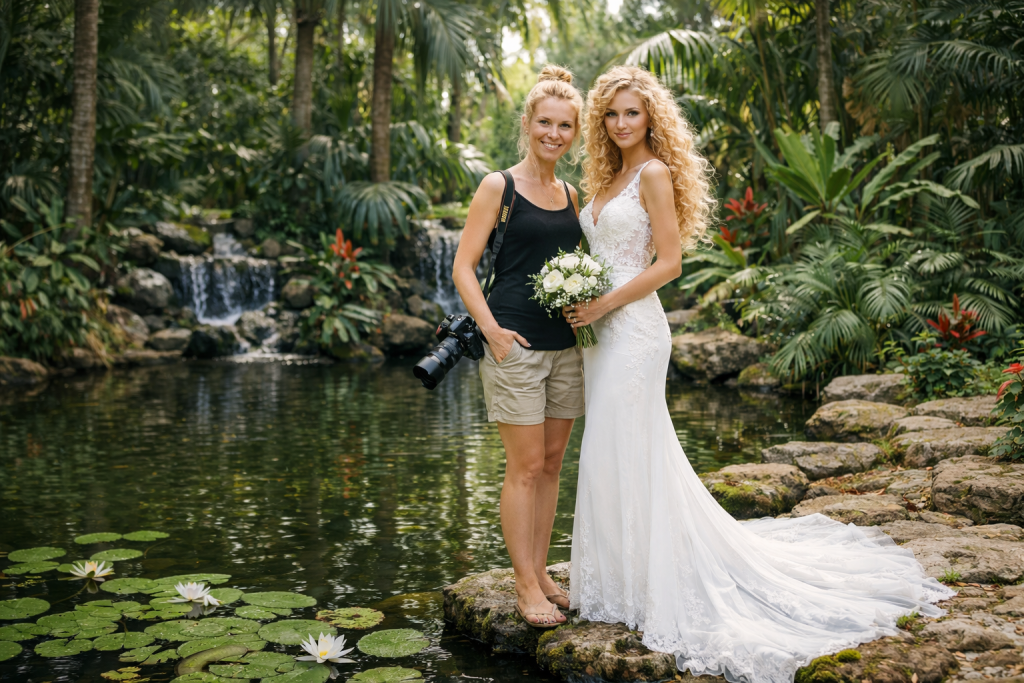
Photographer taking pictures of a bride in a white gown holding a bouquet near a pond and waterfall.
Bride in white lace dress with bouquet standing next to photographer by a pond with lilies and waterfall
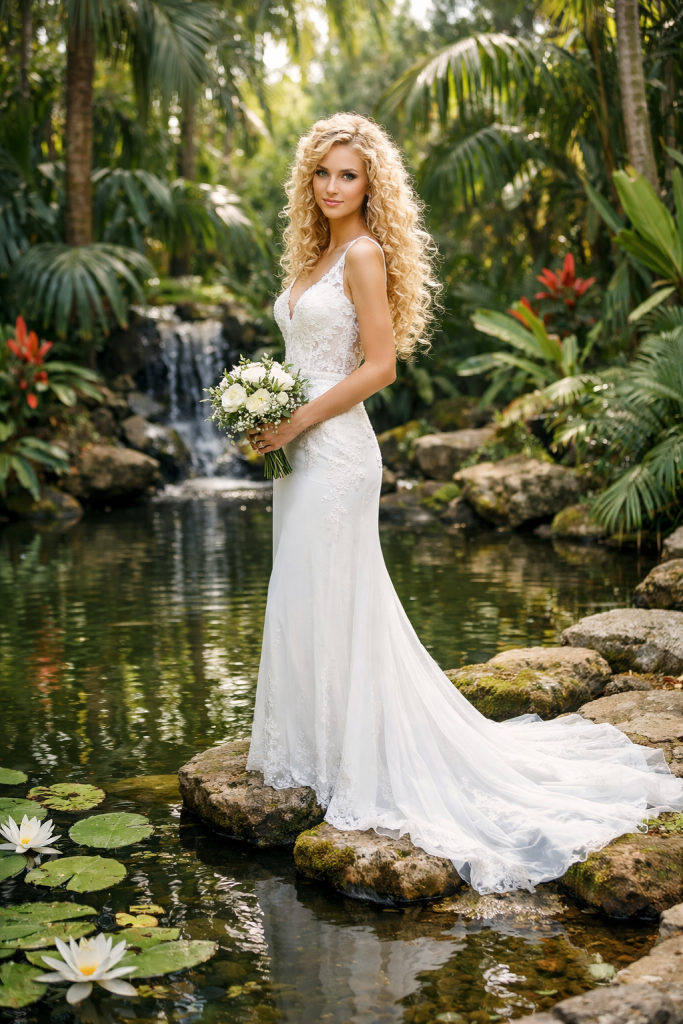
Bride in white lace wedding dress holding bouquet standing on rocks in a garden pond with waterfall

Non-Destructive Editing That Scales

Wedding photographers need consistent, repeatable edits across hundreds of images. PractiPix’s non-destructive editor delivers professional results without locking you into permanent changes:
Light, Color, Tone Curve, and Regional Exposure give you full creative control over every image.
Local Masks (brush, gradient, radial) let you adjust skies, brighten faces, or enhance details selectively—without leaving the editor.
Portrait Retouch (macOS, Premium) detects faces automatically and applies identity-preserving skin smoothing, eye brightening, teeth whitening, and under-eye softening with per-face control.
Presets & LUTs save your signature looks and apply them across entire selections. Export .xmp presets for Lightroom compatibility or .cube LUTs for color grading consistency.
History & Named Snapshots let you save intermediate edit states, compare versions, and branch into Virtual Copies for alternate looks (e.g., color vs. black-and-white).

Batch Operations for High-Volume Delivery

When you have 2,000+ images to deliver, batch tools are non-negotiable. PractiPix includes production-ready batch workflows:
Batch Convert exports your entire Picked collection to JPG, WebP, or TIFF in one pass.
Batch Compress for Web optimizes images for online galleries with optional WebP conversion and .bak backups.
Batch Resize creates social-media-ready or client-preview sizes without manual work.
Batch Watermark applies your logo across selections with interactive positioning and opacity control.
Batch Preset Apply reapplies your signature edit to entire folders or collections.
HDR / Focus Stack Merge combines exposure brackets or focus stacks for detail shots, rings, or venue photography.

Delivery-Ready Exports

PractiPix turns your curated collections into client-ready deliverables:
Export Collection as Folder copies your Picked images into a named delivery folder with a manifest that tracks original source paths.
Export as ZIP Archive creates a single downloadable file for client transfer.
Contact Sheet PDF generates paginated proof sheets with thumbnails and captions—perfect for client review or album planning.
Print & Soft Proofing lets you preview prints with CMYK, Matte Paper, or custom ICC profiles before sending to the lab.
GalleryOne Bridge (Premium) connects directly to WordPress galleries, exports to password-protected client galleries, and manages drag-and-drop uploads without leaving PractiPix.

The Bottom Line

PractiPix gives wedding photographers a fast, flexible, and future-proof workflow—from the first cull to the final delivery. It respects your time with keyboard-driven speed, your creativity with powerful non-destructive editing, and your business with practical batch and delivery tools. Whether you’re a solo shooter managing 50 weddings a year or a studio team handling destination events, PractiPix scales to meet your needs without locking you into a subscription ecosystem.
Read more >>

PractiPix

PractiPix Assistant

Answers prioritize the published help documents.

PractiPix Assistant

Answers prioritize the published help documents.

Press Enter to send. Use Shift+Enter for a new line.