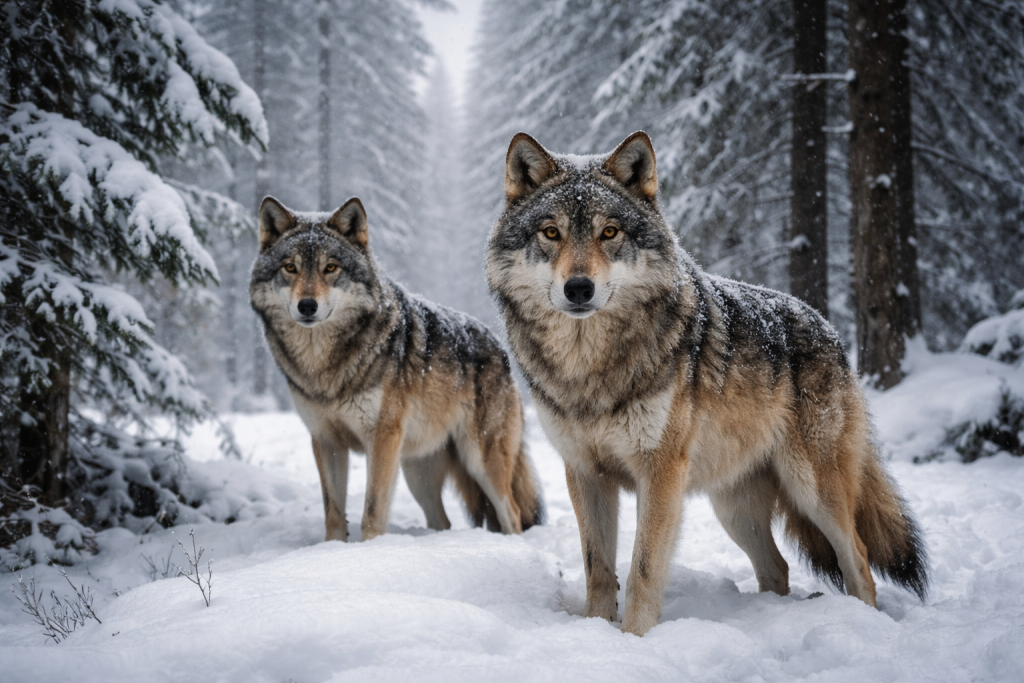
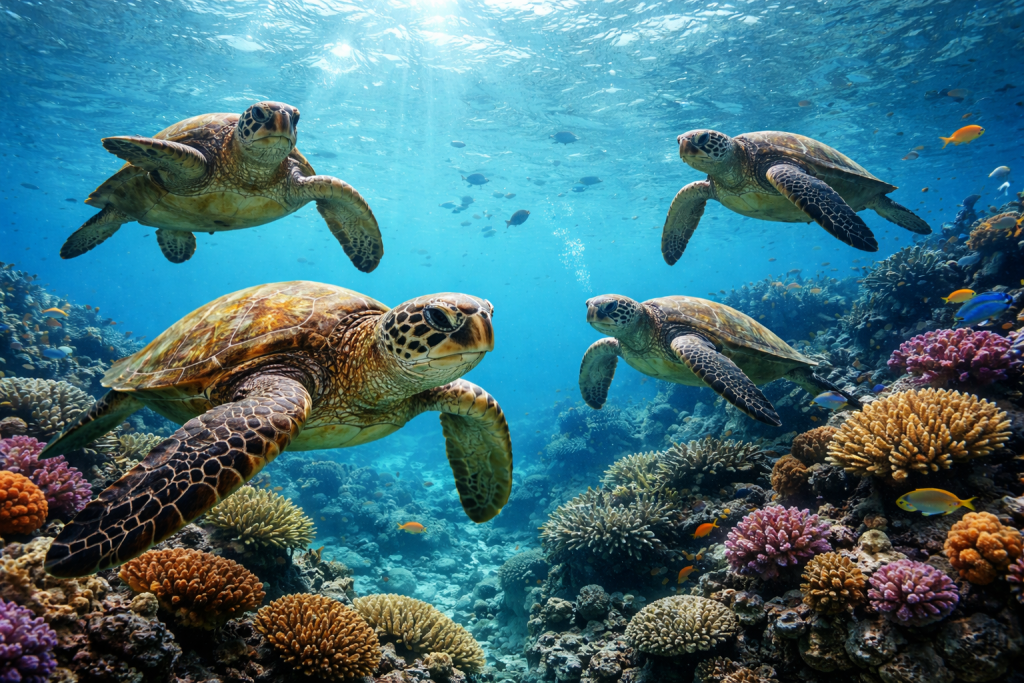
All workflows

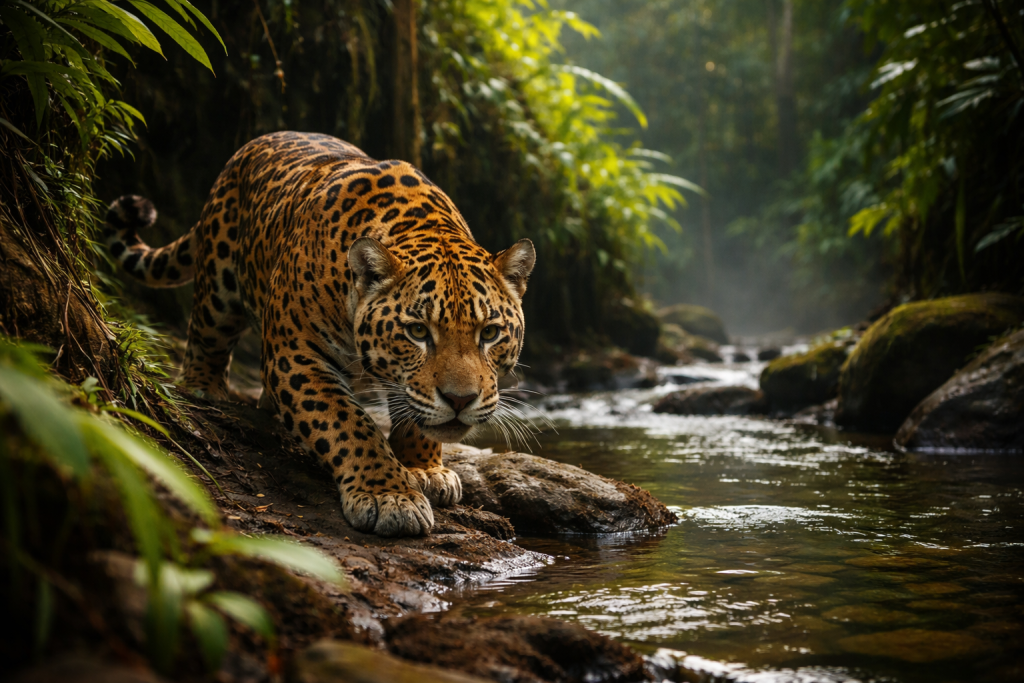
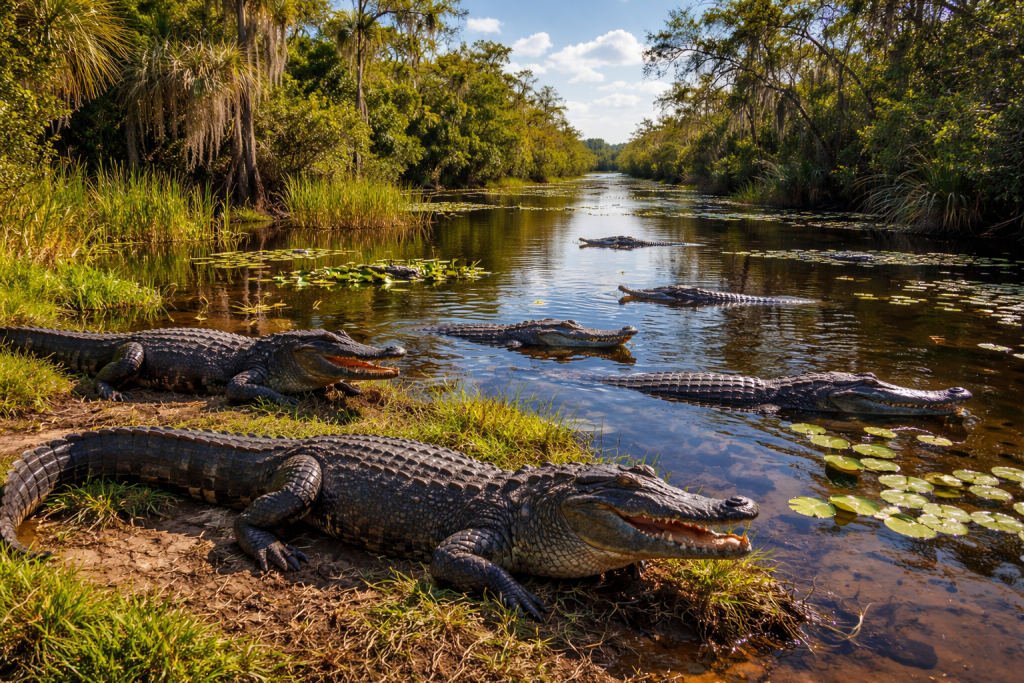
Wildlife workflow / Built for the waiting game

Wait longer. Miss nothing.

Keep distance in the field, protect every burst, find the precise behaviour, and deliver a searchable wildlife story without separating the animal from its place.

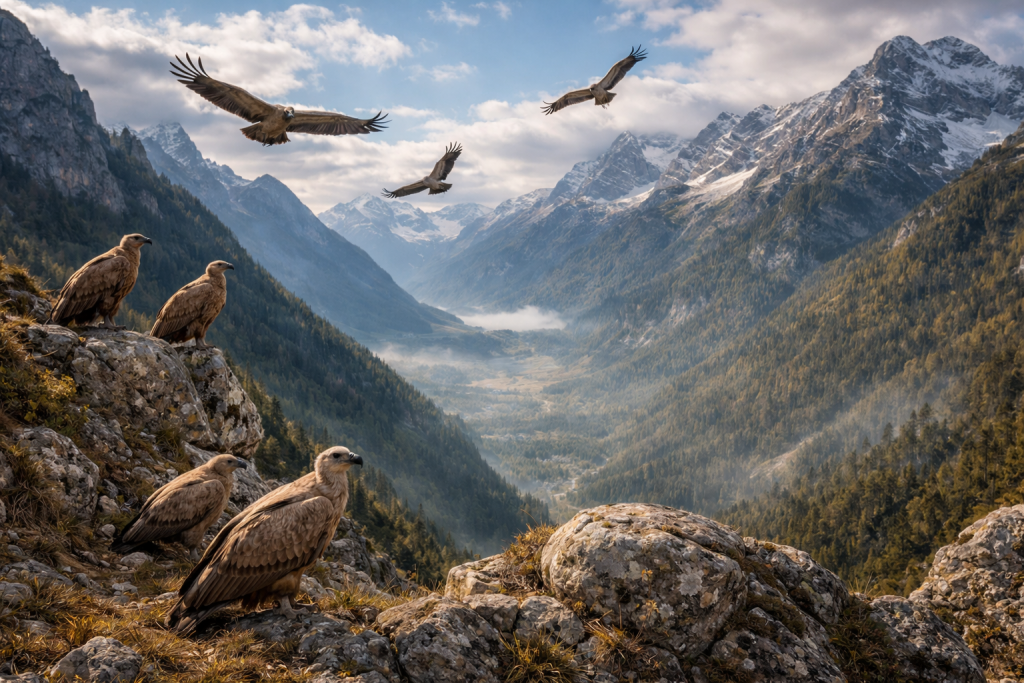
Cliff edge / Patient watch
Cliff edge / Patient watch PractiPix / Field atlas
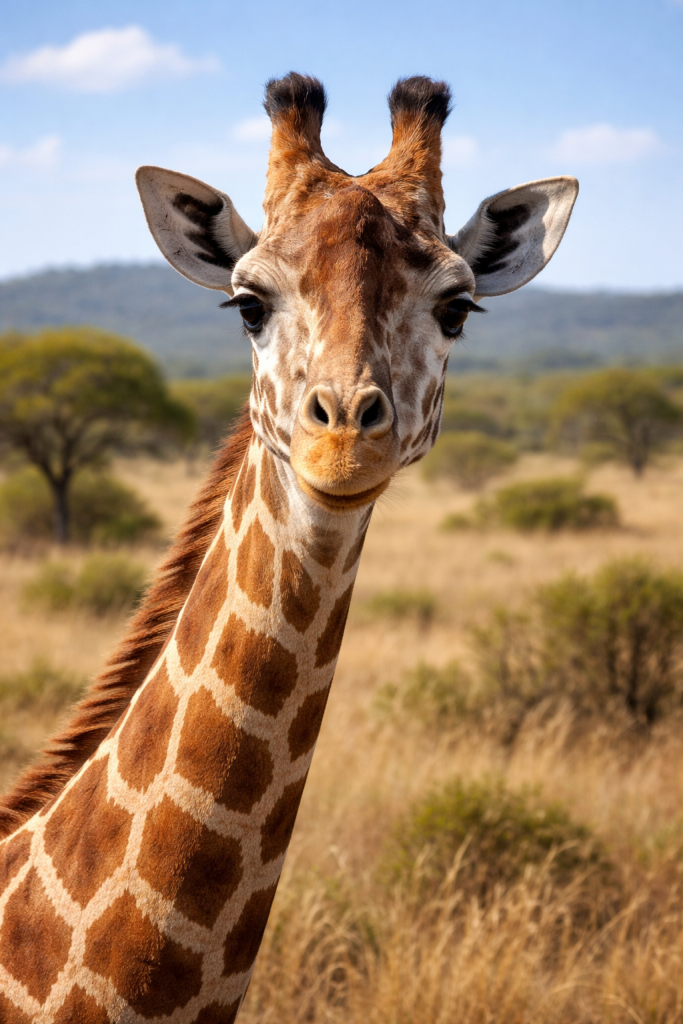
Horn detail / Final select
Burst
comparison for near-identical movement, focus, and expression
GPS
location-aware organization for habitats and repeat visits
Remote
supported phone and tablet tethering without disturbing the subject

One encounter, four connected moves

From first sighting to filed story.

  1. 01 Locate
  2. 02 Wait
  3. 03 Cull
  4. 04 File

Keep location, burst relationships, ratings, edits, species notes, and every output attached to the same encounter from capture through archive.

Build the expedition around habitat and encounter.
01 / Locate PractiPix / Field notes

01 / Locate

Build the expedition around habitat and encounter.

Import each card into a location-aware project, preserve camera and GPS metadata, and verify a second copy before leaving the field.

  • Expedition and location folder templates
  • GPS and EXIF preservation
  • RAW and JPEG pairing
  • Backup checks before cards are cleared
Stay back. Keep the camera ready.
02 / Wait PractiPix / Field notes

02 / Wait

Stay back. Keep the camera ready.

Use supported phone or tablet tethering for live view, remote shutter control, and field review when approaching the camera could disturb the animal or alter its behaviour.

  • Supported phone and tablet camera tethering
  • Remote shutter and live-view monitoring
  • Available exposure controls and field transfer
  • Desktop and mobile workflow hand-off
Find the instant where behaviour and focus meet.
03 / Cull PractiPix / Field notes

03 / Cull

Find the instant where behaviour and focus meet.

Compare near-identical bursts, reject misses from the keyboard, and use supported AI assistance to surface sharp candidates without surrendering the final decision.

  • Pick, reject, and unreviewed shortcuts
  • Side-by-side Survey Mode
  • Configurable AI Auto-Cull assistance
  • Ratings and labels for final selects
Finish the story without losing the evidence.
04 / File PractiPix / Field notes

04 / File

Finish the story without losing the evidence.

Correct telephoto files, preserve species and location notes, and prepare publication, portfolio, print, and archive outputs from the same approved collection.

  • Telephoto lens correction and denoise
  • Species, behaviour, and location metadata
  • Batch resize, sharpen, and watermark
  • Collections, ZIP, PDF, and XMP exports

Made for wild subjects

Built around distance, silence, and split-second behaviour.

Encounter memory

Find the habitat, season, and subject again.

Browse by map, timeline, radius, date, rating, and keyword while location context remains attached to the source files.

Quiet capture

Control a supported camera from cover.

Use a phone or tablet for supported live view, remote shutter control, field review, and transfer while keeping distance from sensitive subjects.

Sequence judgement

See the movement, not a wall of thumbnails.

Compare bursts as connected behaviour, then combine manual culling with supported AI assistance to identify the strongest candidates.

Responsible archive

Keep the picture connected to what it records.

Retain species notes, location, camera data, ratings, edits, and delivery history in one searchable body of work.

Wildlife photography workflow details

The tools behind a patient field practice.

Open any topic for practical detail about remote capture, burst culling, GPS organization, telephoto correction, species metadata, delivery, and licensing.

01 Why do wildlife photographers choose PractiPix?

Wildlife photography combines long waits, sudden movement, large burst sequences, difficult light, telephoto optics, location records, and subjects that cannot be asked to repeat a moment. PractiPix keeps capture, culling, organization, editing, and delivery in one workspace so the encounter is not rebuilt across disconnected applications.

  • Manage expeditions, habitats, and repeat visits as connected projects
  • Keep GPS, EXIF, burst relationships, ratings, notes, edits, and exports together
  • Use perpetual licensing rather than another mandatory monthly subscription
02 How does AI-assisted burst culling help with wildlife sequences?

On supported editions, AI Auto-Cull can analyze suitable burst sequences for sharpness, composition, subject position, and peak action, then propose a configurable number of candidates. It is an assistant rather than an automatic final editor: the photographer can inspect every result and make the final selection.

  • Choose how many candidate frames to keep from each suitable burst
  • Review focus, position, action, and available expression cues side by side
  • See a summary of analyzed images, sequences, and proposed winners
  • Run larger supported culling jobs across expedition folders
03 Can I cull wildlife photographs manually?

Yes. Manual review remains essential when behaviour, wing position, eye direction, or an interaction matters more than a generic score. Keyboard shortcuts support a rapid first pass, while Survey Mode places related frames side by side for a deliberate final decision.

  • Use P, X, and U to mark Picked, Rejected, and Unreviewed frames
  • Compare focus, posture, expression, and movement in Survey Mode
  • Apply one-to-five-star ratings after the first culling pass
  • Filter immediately by review state, rating, label, or metadata
04 How does GPS-based wildlife photo organization work?

When files contain location data, the Map and Timeline Browser can group photographs spatially and chronologically. Radius searches, saved searches, and Smart Folders make it easier to revisit a habitat, compare seasons, or gather images from repeated observations without moving the source files.

  • Inspect location clusters on a map and open the photographs inside them
  • Adjust a location radius without rescanning the complete library
  • Combine GPS area, date, rating, label, keyword, and review state
  • Save recurring habitat or expedition searches as Smart Folders
05 Can I tether a wildlife camera to a phone or tablet?

Supported camera and mobile combinations can connect over Wi-Fi for live view, remote shutter control, available exposure adjustments, and image transfer. A phone or tablet can stay with the photographer while the camera remains near a perch, trail, hide, or other carefully chosen position.

  • Use supported Android or iOS phones and tablets
  • Monitor available live view without standing beside the camera
  • Trigger the shutter and adjust supported exposure settings remotely
  • Transfer selected files for larger-screen field review
06 Which telephoto lens corrections are available?

Wildlife work often depends on long focal lengths, wide apertures, converters, and older adapted lenses. PractiPix can use available EXIF information for supported lens defaults while retaining manual controls for distortion, vignette, chromatic aberration, crop, and horizon.

  • Apply supported EXIF-driven lens defaults
  • Fine-tune distortion, vignette, and colour fringing manually
  • Reuse corrections across photographs made with the same setup
  • Crop to publication, portfolio, social, or print aspect ratios
07 Which editing tools help with difficult wildlife light?

Wildlife files may combine dark fur or feathers, bright sky, forest colour casts, atmospheric haze, and high ISO noise. Non-destructive tonal and local controls can balance those conditions while the original remains untouched.

  • Recover highlight and shadow detail in backlit or high-contrast scenes
  • Use Dehaze, white balance, and RGB or luminosity tone curves
  • Target the subject or background with linear, radial, and brush masks
  • Reduce luminance and colour noise in high-ISO captures
  • Sharpen fine feather, fur, scale, and eye detail carefully
08 How can species, behaviour, and field notes remain searchable?

Keywords, notes, collections, ratings, colour labels, and available AI-assisted tagging can describe species, behaviour, habitat, assignment, or publication status. Automated suggestions should be reviewed by the photographer, especially when accurate species identification matters.

  • Add common and scientific names as reviewed keywords
  • Record behaviour, age, sex, habitat, and observation notes
  • Combine metadata with GPS, date, rating, and review filters
  • Build virtual collections without duplicating source files
09 How are wildlife portfolios and publication selects delivered?

Approved photographs can be gathered into virtual Collections by species, habitat, story, client, or publication without copying the originals. The same selection can then produce web files, print files, contact sheets, compressed packages, and supported sidecar hand-offs.

  • Export organized folders and ZIP delivery packages
  • Generate PDF contact sheets for editors and clients
  • Create resized, compressed, sharpened, or watermarked variants in batches
  • Export Adobe-compatible XMP sidecars for supported workflows
10 Is PractiPix available without a subscription?

PractiPix uses perpetual licensing rather than requiring a mandatory monthly payment. Wildlife photographers can begin with Trial, expand production and export capacity with Pro, or use Premium for supported AI features, advanced masking, mobile synchronization, and larger project requirements.

  • Trial includes core browsing, culling, organization, and editing tools
  • Pro expands batch operations, exports, and library capacity
  • Premium adds supported AI capabilities, advanced masking, and unlimited projects
  • Feature availability can vary by operating system and edition
11 What is a recommended wildlife photography workflow?

A dependable wildlife workflow begins before the first encounter and ends only after delivery and archive verification. Protect source files early, retain field context, separate the first cull from final ranking, validate descriptive metadata, and apply repeated corrections only after the strongest sequence is understood.

  • Create the expedition structure and verify backups before clearing cards
  • Preserve GPS and EXIF data while importing RAW and JPEG pairs
  • Review bursts manually or with supported AI assistance, then rank the keepers
  • Add reviewed species, behaviour, habitat, and assignment metadata
  • Batch shared corrections, refine hero frames, and export destination-specific versions

Their habitat. Your patience. One archive.

Keep attention on the animal.

Try the complete PractiPix wildlife workflow, then choose the edition that fits your field assignments. No mandatory subscription.